Approval System - Employee User Manual
1. Introduction
The Approval System is an internal workflow management tool designed to streamline the submission, tracking, and management of various organisational requests. This system allows employees to submit formal requests (such as Expense or Leave approvals) and enables designated authorities to review and process them efficiently.
2. Accessing the System
-
Log in using your corporate credentials. eg: ([employee] Sample Employee — employee@lalco.la - emp12345)
-
The system opens to the Dashboard, providing a summary of the activities.
-
Use the Sidebar Navigation on the left to switch between modules: Dashboard, Submit Request, Approval Centre, and Out-of-Office.
3. Menu Options Overview
3.1 Dashboard
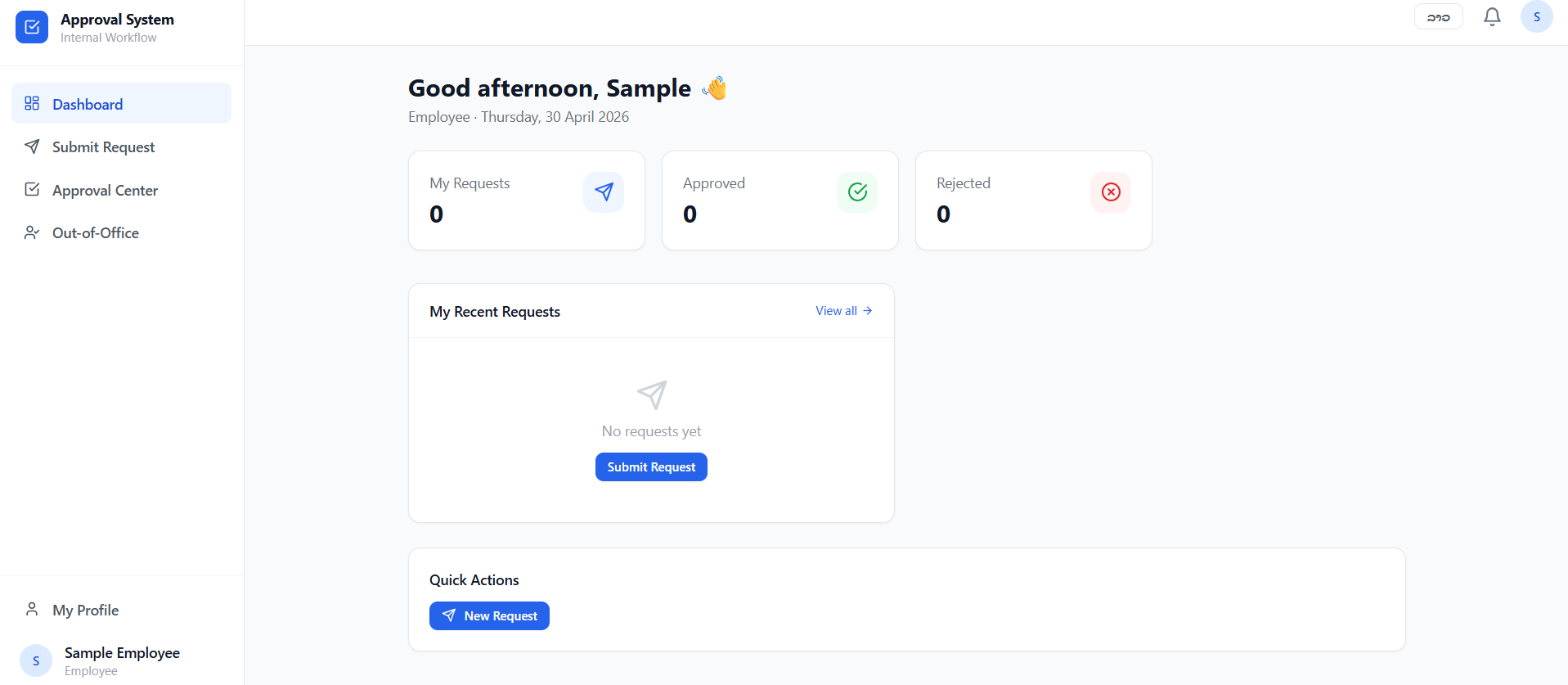
The Dashboard serves as the personal command center. It provides real-time statistics and quick access to your workflow.
-
Status Cards: View the total count of My Requests, Approved requests, and Rejected requests at a glance.
-
My Recent Requests: A dedicated section showing the status of your latest submissions. You can click "View all" and navigate to the "Approval Center" and see your full history. You can also submit a request using the "Submit Request" button.
-
Quick Actions: Contains a "+ New Request" button to quickly navigate to the "Submit Request" page and access submission forms.
3.2 Submit Request
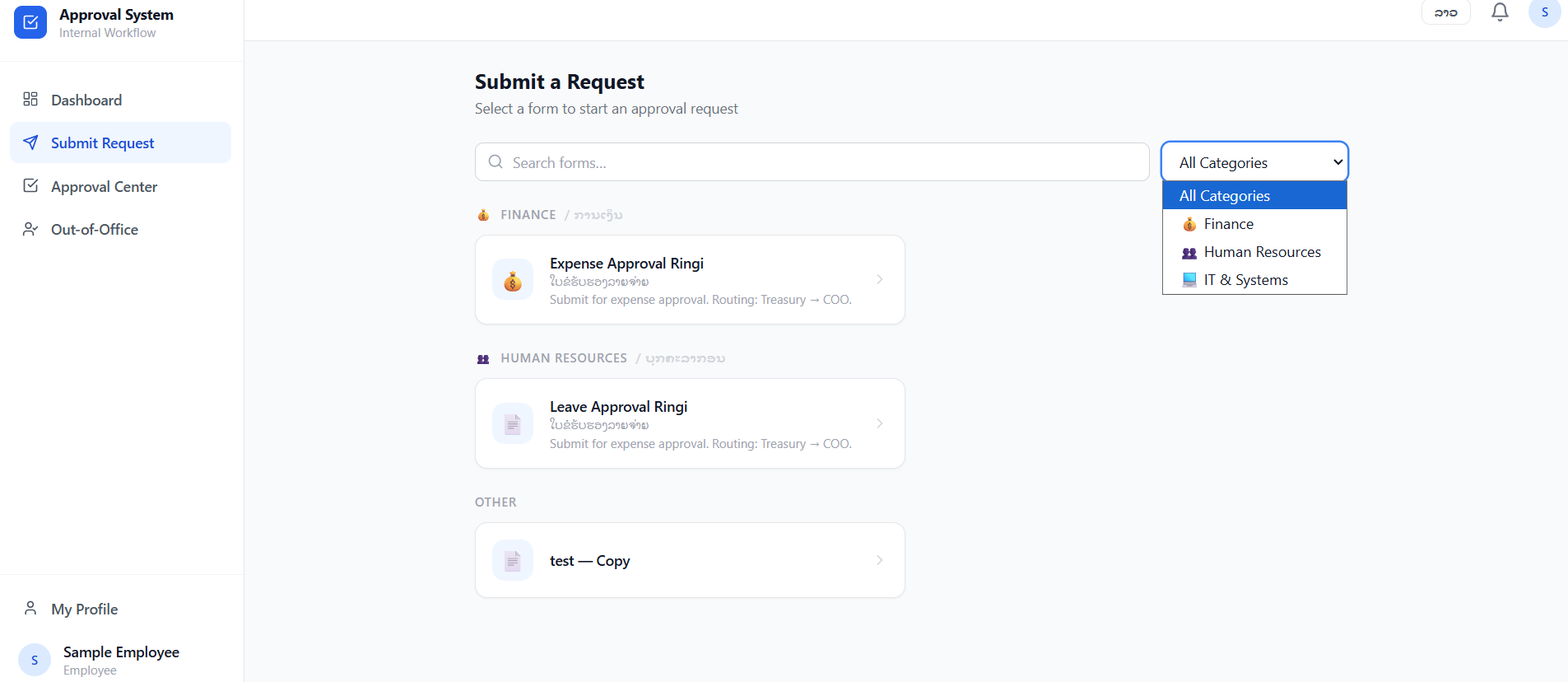
The Submit Request page lists all available forms categorized by department(Admin).
-
Searching for Forms: Use the Search bar or the Category filter (e.g., Finance, Human Resources, IT & Systems) to find specific request types.
-
Available Forms:
-
Finance: Expense Approval Ringi – Used for submitting financial reimbursement or expenditure requests.
-
Human Resources: Leave Approval Ringi – Used for requesting time off or vacations.
- IT & Systems: Dedicated category for technical requests.
-
Other: Miscellaneous forms.
-
-
How to Submit: Click on the desired form, fill in the required details, and click the submission button to start the approval routing (e.g., Treasury → COO).
3.3 Approval Center
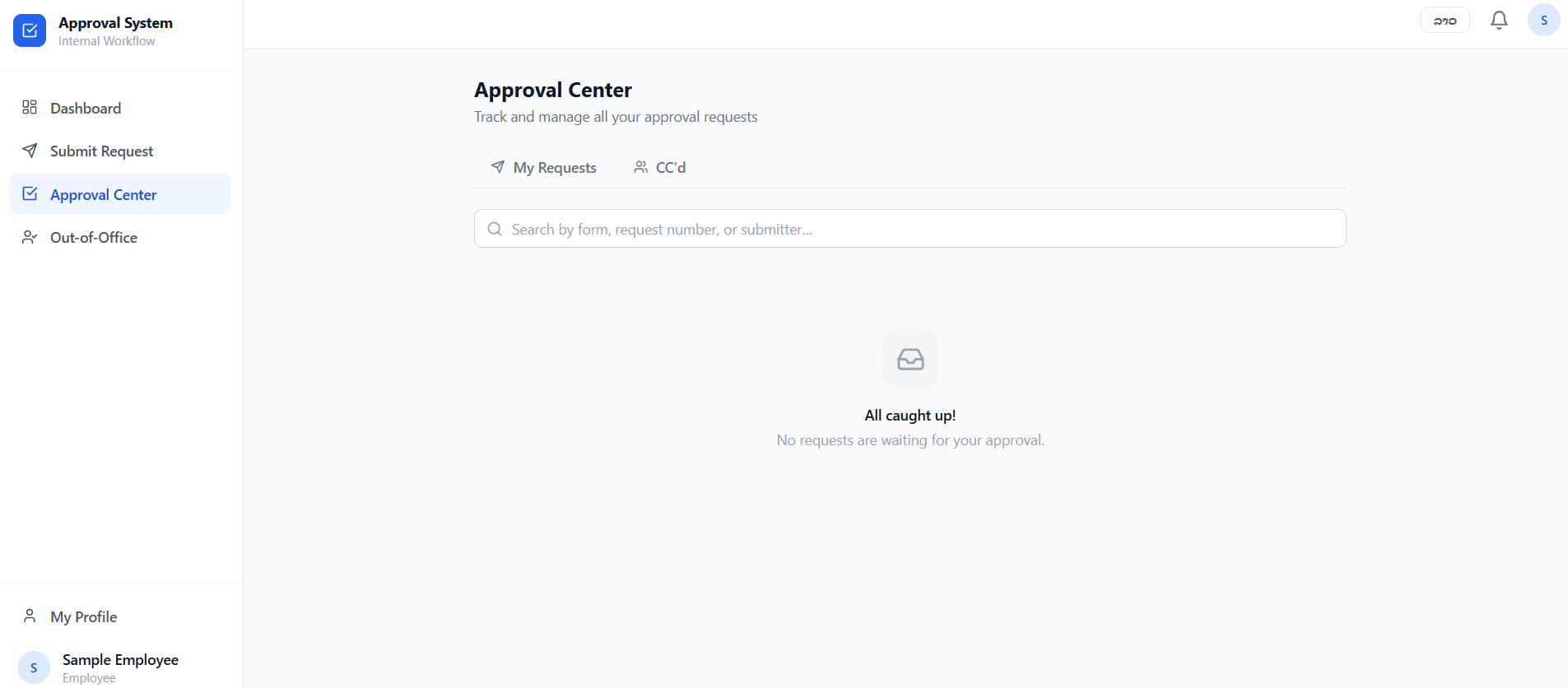
The Approval Center is where users manage requests that require their specific intervention.
-
My Requests Tab: Displays the status and history of requests you have submitted to others.
-
CC’d Tab: Displays requests where you have been added as a "Carbon Copy" (CC) recipient for informational purposes only.
-
Search & Filter: Use the search bar to locate specific requests by form name, request number, or the name of the submitter.
3.4 Out-of-Office (Delegation)
This feature ensures that workflows are not delayed while you are away from the office. When active, any approval tasks assigned to you will be automatically forwarded to your designated delegate.
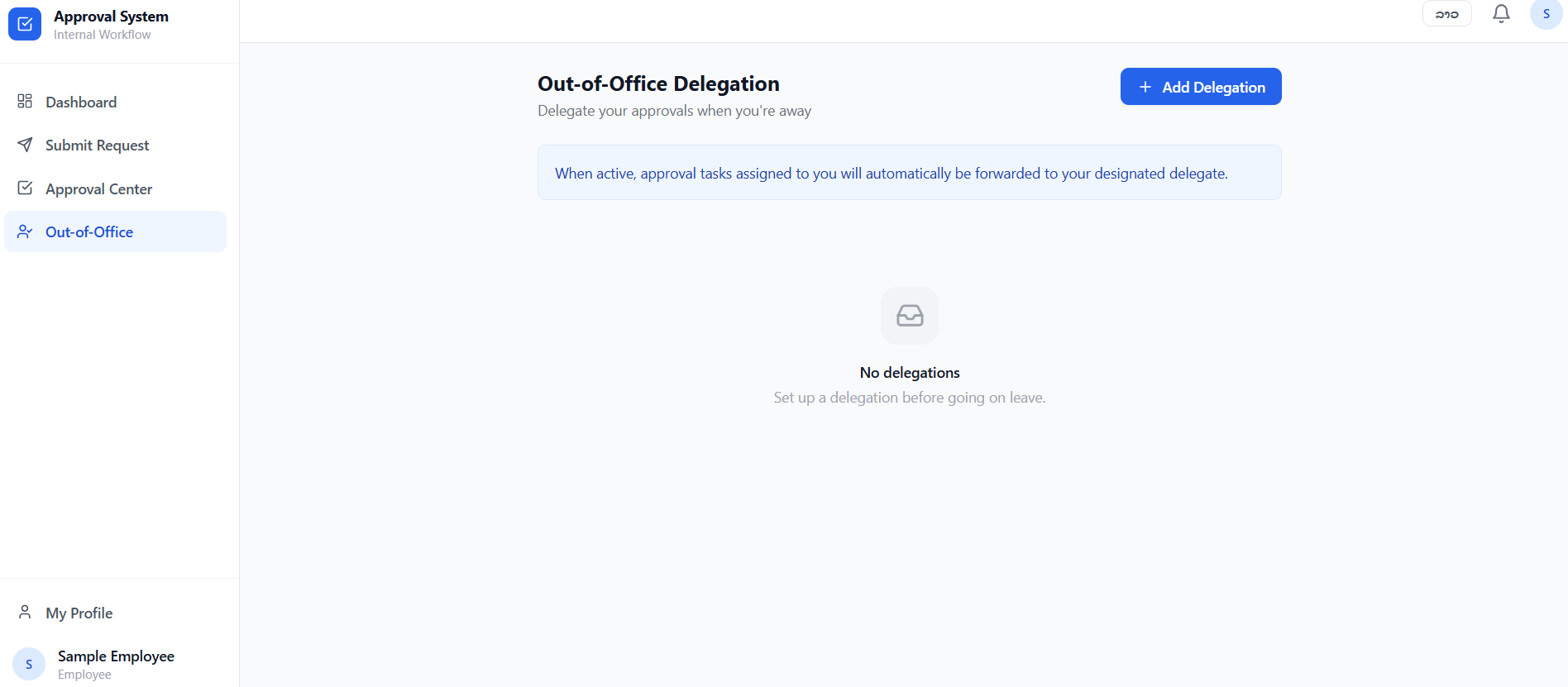
3.4.1. Adding a New Delegation
To set up a delegate, follow these steps:
3.4.2. How it Works
-
Automatic Forwarding: Once the start date is reached, the system automatically redirects all new approval requests to the chosen delegate.
-
Duration: The delegation will remain active until the end of the "To" date, after which it will expire automatically.
3.4.3. Managing Delegations
-
View: All current and upcoming delegations are listed on the main Out-of-Office page.
-
Edit/Remove: You can modify the dates or cancel a delegation early by selecting the specific entry from the list.
4. User Profile & Preferences
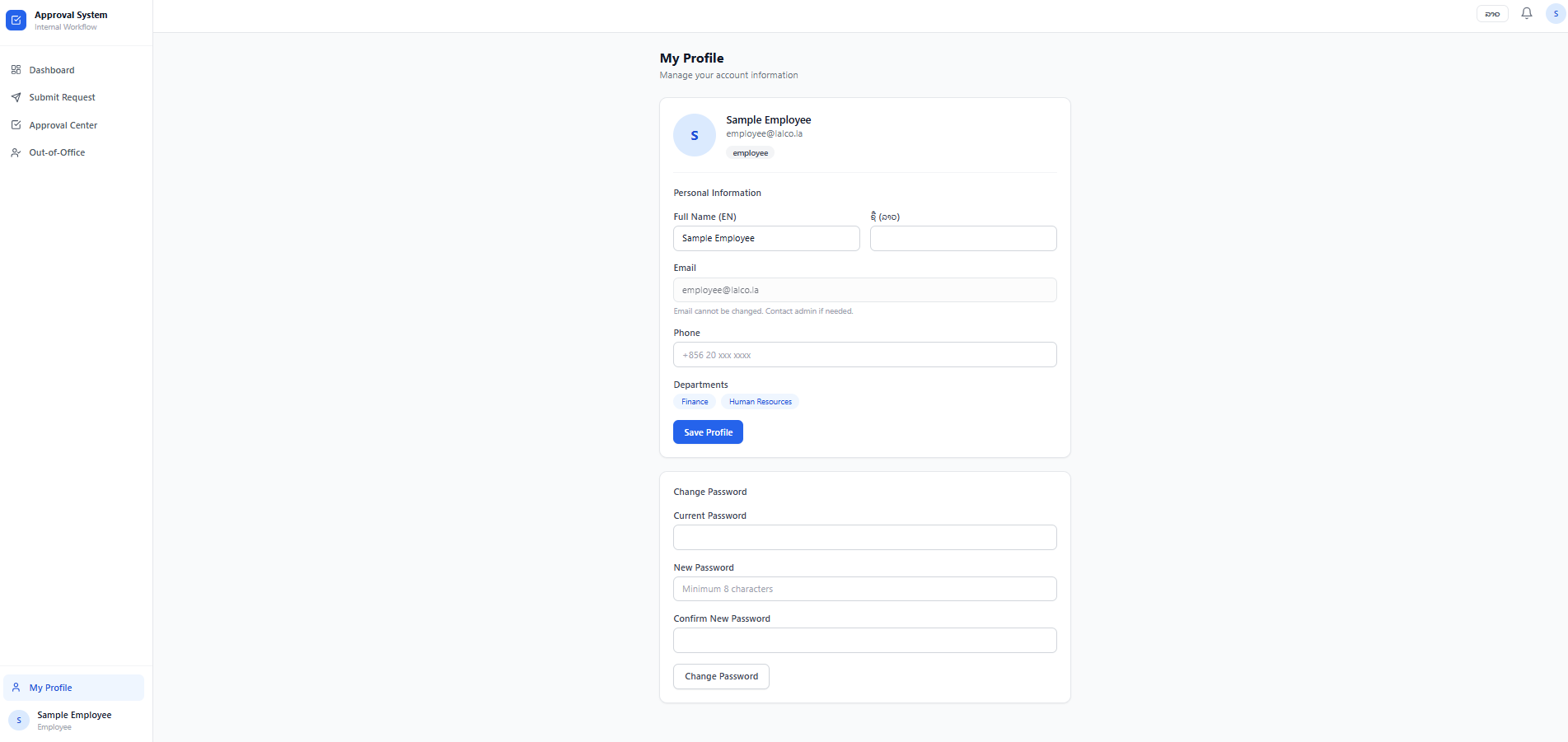
Located at the bottom of the left sidebar, the Profile section allows you to:
-
My Profile: View your employee details and account settings. It can edit details, change passwords and save profile.
-
Language Selection: (Top right of the header) Switch the interface language between EN (English) & Lao(Laos) local languages.
-
Notifications: Click the Bell Icon in the top header to view recent alerts regarding your requests.