# Legal Screen

[![bd6ebeb0-e6ff-46f4-a234-3a9e10a07ccc.jpg](http://wiki.lalco.la/uploads/images/gallery/2026-03/scaled-1680-/bd6ebeb0-e6ff-46f4-a234-3a9e10a07ccc.jpg)](http://wiki.lalco.la/uploads/images/gallery/2026-03/bd6ebeb0-e6ff-46f4-a234-3a9e10a07ccc.jpg)

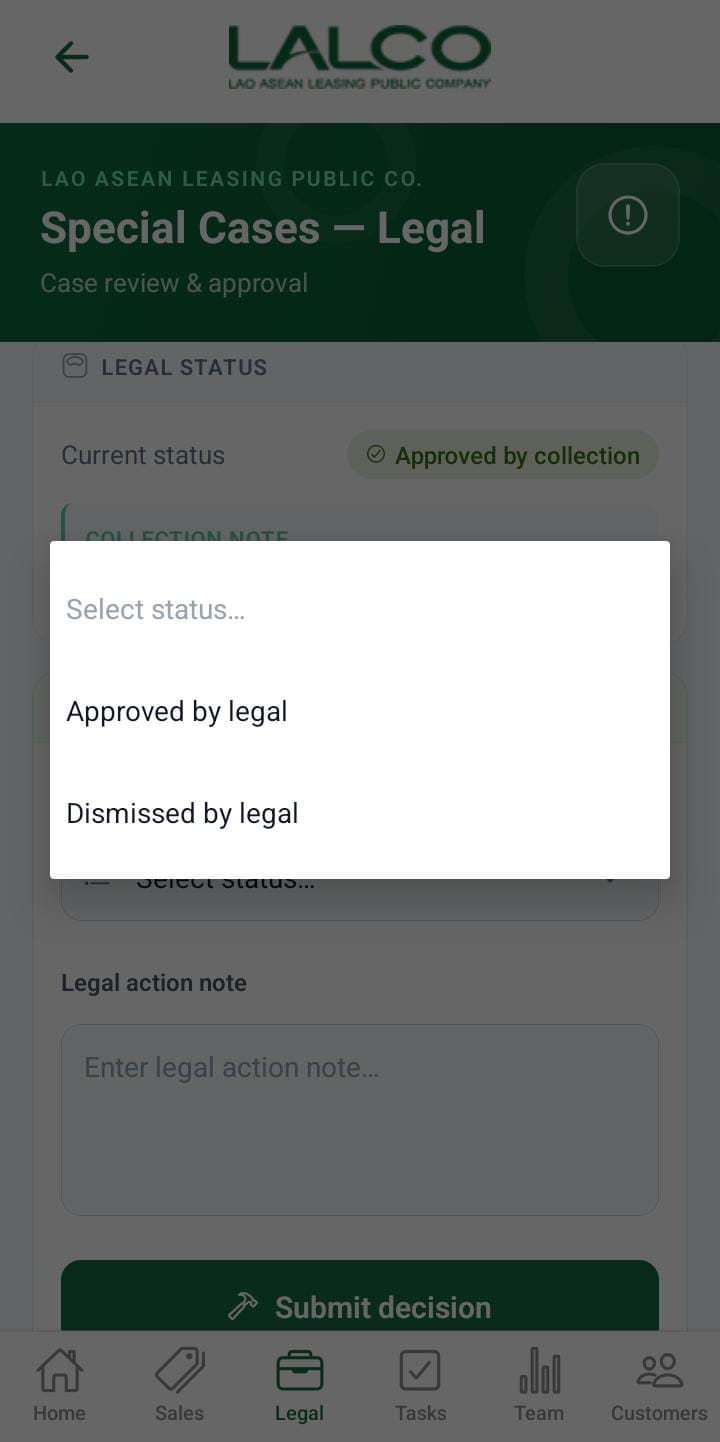
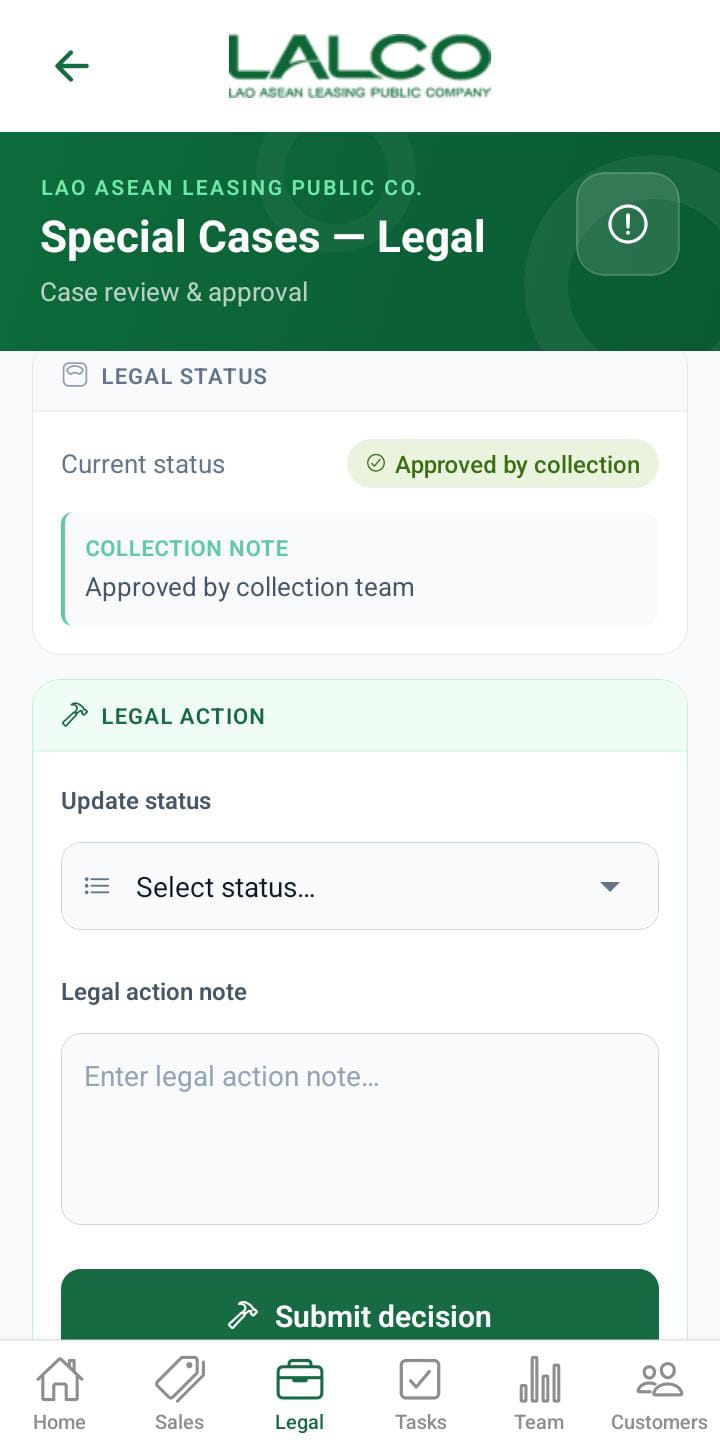
The **Legal Screen** allows staff to view and manage all legal cases related to customers and contracts. It provides a searchable and filterable list of legal records.

---

# Header Section

### Page Title

**Legal**

---

### Description

<div class="relative w-full mt-4 mb-1" id="bkmrk-view-your-legal-list"><div class=""><div class="relative"><div class="h-full min-h-0 min-w-0"><div class="h-full min-h-0 min-w-0"><div class="border border-token-border-light border-radius-3xl corner-superellipse/1.1 rounded-3xl"><div class="h-full w-full border-radius-3xl bg-token-bg-elevated-secondary corner-superellipse/1.1 overflow-clip rounded-3xl lxnfua_clipPathFallback"><div class="pe-11 pt-3"><div class="relative z-0 flex max-w-full"><div class="q9tKkq_viewer cm-editor z-10 light:cm-light dark:cm-light flex h-full w-full flex-col items-stretch ͼk ͼy" dir="ltr" id="bkmrk-view-your-legal-list-1"><div class="cm-scroller"><div class="cm-content q9tKkq_readonly">View Your Legal List</div></div></div></div></div></div></div></div></div><div class=""></div></div></div></div>---

# Search Function

### Search Bar

<div class="relative w-full mt-4 mb-1" id="bkmrk-search-by-legal"><div class=""><div class="relative"><div class="h-full min-h-0 min-w-0"><div class="h-full min-h-0 min-w-0"><div class="border border-token-border-light border-radius-3xl corner-superellipse/1.1 rounded-3xl"><div class="h-full w-full border-radius-3xl bg-token-bg-elevated-secondary corner-superellipse/1.1 overflow-clip rounded-3xl lxnfua_clipPathFallback"><div class="pe-11 pt-3"><div class="relative z-0 flex max-w-full"><div class="q9tKkq_viewer cm-editor z-10 light:cm-light dark:cm-light flex h-full w-full flex-col items-stretch ͼk ͼy" dir="ltr" id="bkmrk-search-by-legal-1"><div class="cm-scroller"><div class="cm-content q9tKkq_readonly">Search by legal</div></div></div></div></div></div></div></div></div><div class=""><div class="">  
</div></div></div></div></div>Allows users to search by:

- Contract number
- Customer name

---

# Filter Options

Users can filter legal cases by stage:

- **All** → Shows all cases
- **Pre-legal** → Before legal action starts
- **Filed** → Case has been filed
- **Hearing** → Under court hearing
- **Judgment** → Final decision stage
- **Closed** → Finished cases

---

# Legal List

Each item represents a legal case.

### Example:

<div class="relative w-full mt-4 mb-1" id="bkmrk-k-10063-%E2%80%93-khampheng-"><div class=""><div class="relative"><div class="h-full min-h-0 min-w-0"><div class="h-full min-h-0 min-w-0"><div class="border border-token-border-light border-radius-3xl corner-superellipse/1.1 rounded-3xl"><div class="h-full w-full border-radius-3xl bg-token-bg-elevated-secondary corner-superellipse/1.1 overflow-clip rounded-3xl lxnfua_clipPathFallback"><div class="pe-11 pt-3"><div class="relative z-0 flex max-w-full"><div class="q9tKkq_viewer cm-editor z-10 light:cm-light dark:cm-light flex h-full w-full flex-col items-stretch ͼk ͼy" dir="ltr" id="bkmrk-k-10063-%E2%80%93-khampheng--1"><div class="cm-scroller"><div class="cm-content q9tKkq_readonly">K-10063 – Khampheng Seng   
Closed · Deadline 29/01/2026</div></div></div></div></div></div></div></div></div><div class=""><div class="">  
</div></div></div></div></div>---

### Information Displayed

Each record shows:

- **Contract Number**
- **Customer Name**
- **Stage**
- **Deadline**

---

# How to Use

### View a Case

1. Open the **Legal tab**
2. Browse or search cases
3. Tap a case to view details

---

---

# LALCO Staff App – Legal Details Screen

[![bd6ebeb0-e6ff-46f4-a234-3a9e10a07ccc.jpg](http://wiki.lalco.la/uploads/images/gallery/2026-03/scaled-1680-/GbVbd6ebeb0-e6ff-46f4-a234-3a9e10a07ccc.jpg)](http://wiki.lalco.la/uploads/images/gallery/2026-03/GbVbd6ebeb0-e6ff-46f4-a234-3a9e10a07ccc.jpg)

The **Legal Details Screen** shows detailed information about a selected legal case and allows staff to take actions.

---

# Legal Details Section

Displays key information:

- **Name** → Customer name
- **Contract Number** → Unique ID
- **Stage** → Current legal status
- **Deadline** → Important due date

---

# Actions

### Start Visit

Used to begin a field visit related to the case.

Used for:

- Customer visits
- Legal follow-ups
- Field verification

---

# How to Use

### View Details

1. Select a case from the list
2. Review all details

---

### Start Visit

1. Tap **Start Visit**
2. Proceed with visit
3. Update status if needed

---

# Navigation

<div class="relative w-full mt-4 mb-1" id="bkmrk-legal-screen-%E2%86%92-selec"><div class=""><div class="relative"><div class="h-full min-h-0 min-w-0"><div class="h-full min-h-0 min-w-0"><div class="border border-token-border-light border-radius-3xl corner-superellipse/1.1 rounded-3xl"><div class="h-full w-full border-radius-3xl bg-token-bg-elevated-secondary corner-superellipse/1.1 overflow-clip rounded-3xl lxnfua_clipPathFallback"><div class="pe-11 pt-3"><div class="relative z-0 flex max-w-full"><div class="q9tKkq_viewer cm-editor z-10 light:cm-light dark:cm-light flex h-full w-full flex-col items-stretch ͼk ͼy" dir="ltr" id="bkmrk-legal-screen-%E2%86%92-selec-1"><div class="cm-scroller"><div class="cm-content q9tKkq_readonly">Legal Screen → Select Case → Legal Details Screen</div></div></div></div></div></div></div></div></div></div></div></div>