Login Screen
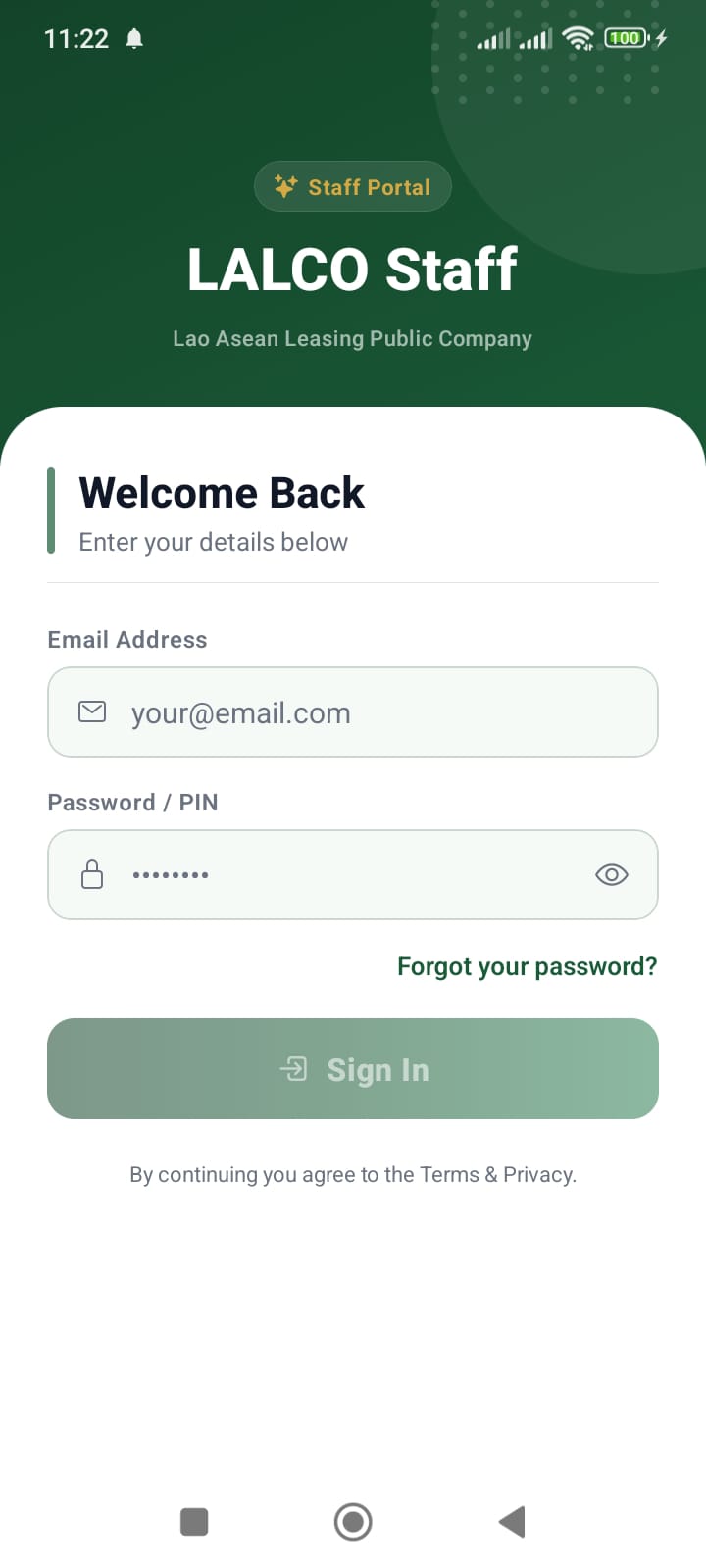
The Login Screen allows authorised staff members to access the LALCO Staff application. From here, employees can log in to manage customers, track collections, and process loan applications.
Screen Fields
Email Address
Users must enter their registered company email address.
Example:
This email must be provided by the system administrator.
Password / PIN
Users must enter their secure password associated with their account.
Security features:
Sign In Button
After entering valid credentials, press Sign In to access the system.
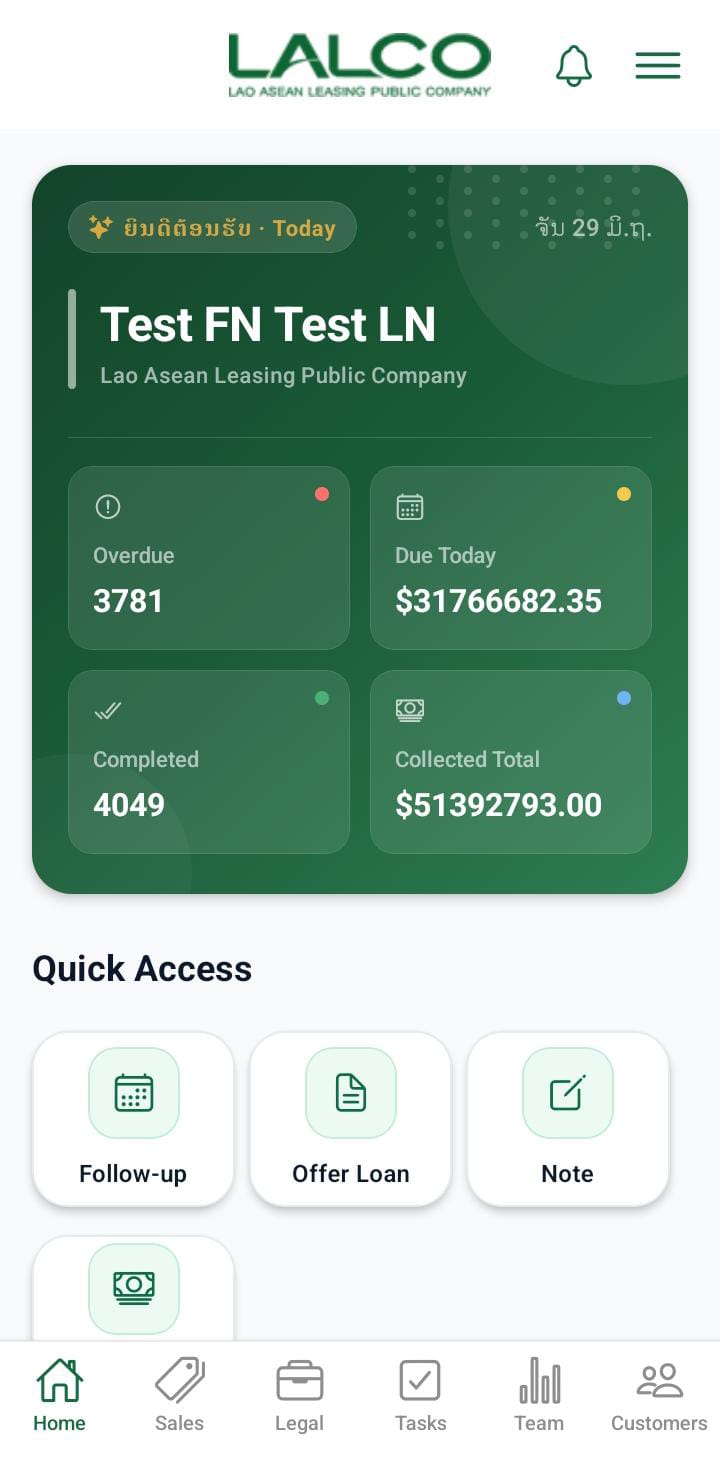
If the login is successful, the system will open the dashboard.
Terms & Privacy
At the bottom of the screen, users will see the message:
This indicates that by logging in, the user agrees to the company's usage policies.
How to Log In
-
Open the LALCO Staff application.
-
Enter your email address.
-
Enter your password.
-
Tap Sign In.
-
You will be redirected to the main dashboard.
Common Login Issues
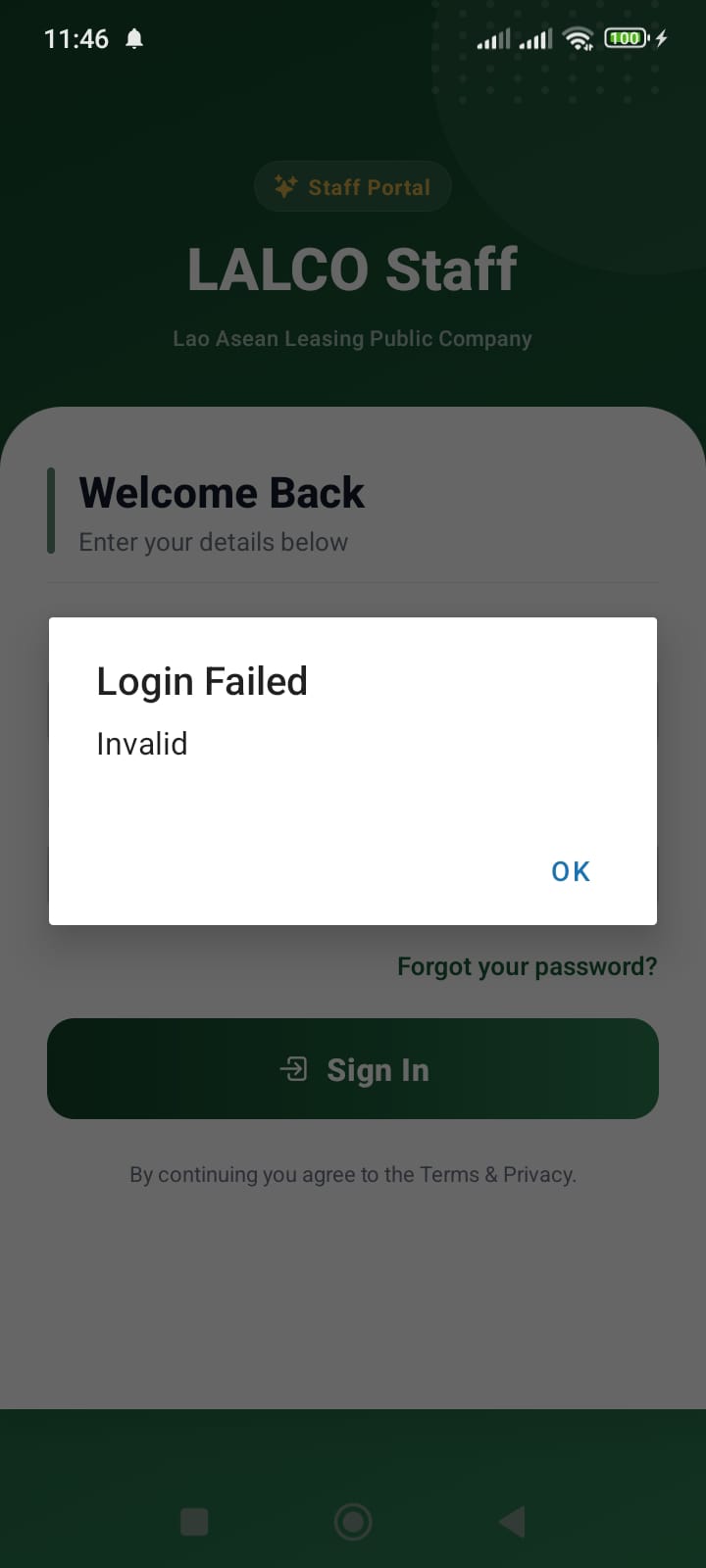
Incorrect Password
If the password is incorrect:
-
Check if Caps Lock is enabled.
-
Re-enter the password carefully.
Invalid Email
Make sure you are using your official company email.
Example:
Security Guidelines
Change your password regularly.