Special case Screen
 |
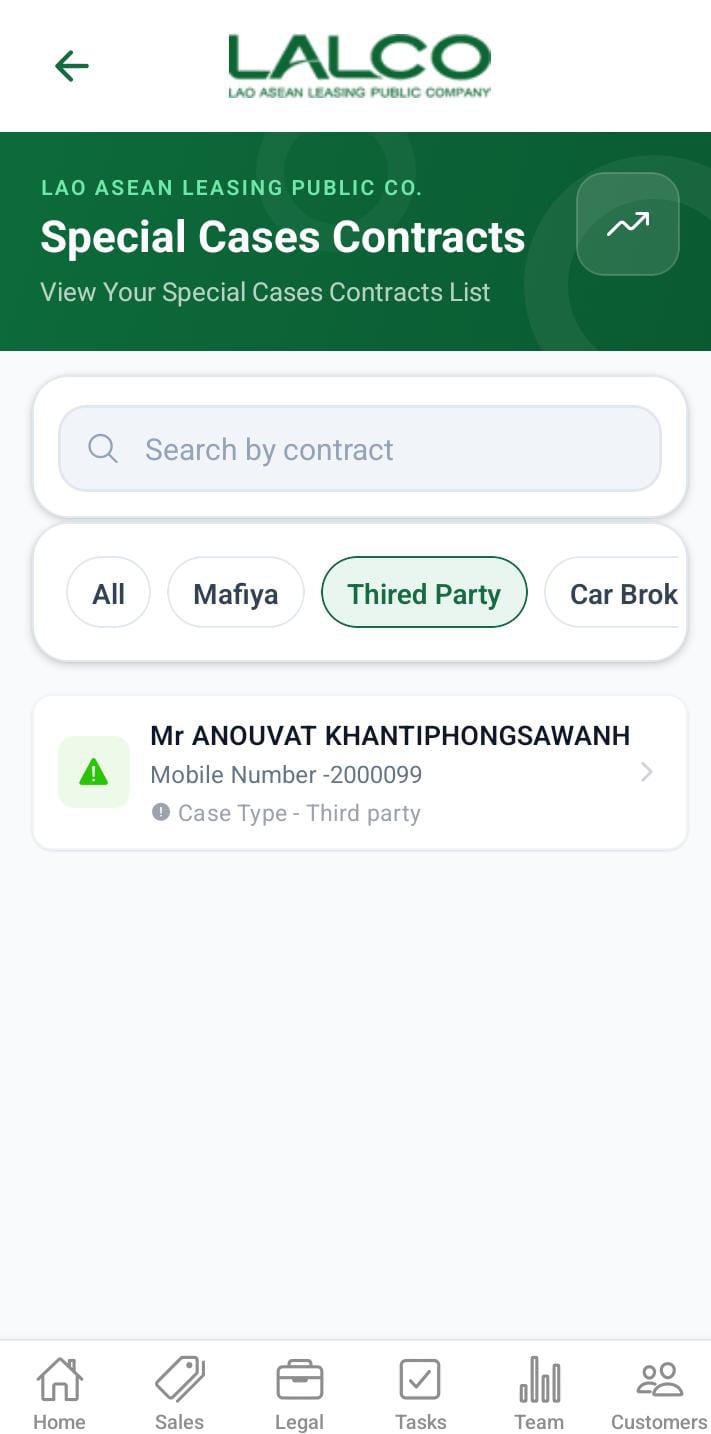 |
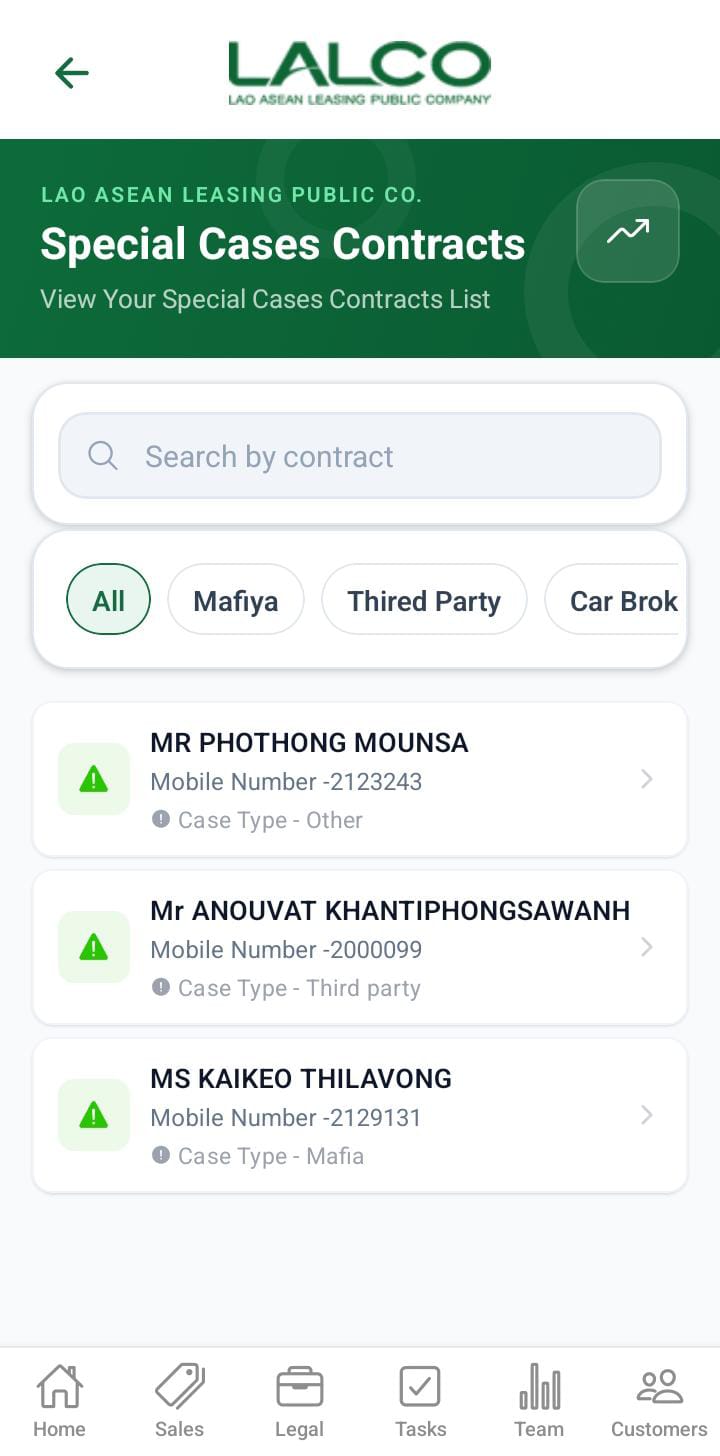
This screen allows users to view special cases. Contracts are treated as special cases when any of the predefined conditions are met. If a special case is identified during a customer visit, the submitted data will be displayed on the Special Cases screen.
- Marfia
- Third party
- Car broken
- Customer arrested / Passed away
- Seized by police
- Gps offline
- Other (assign to this filter when GPS Repair or installation)
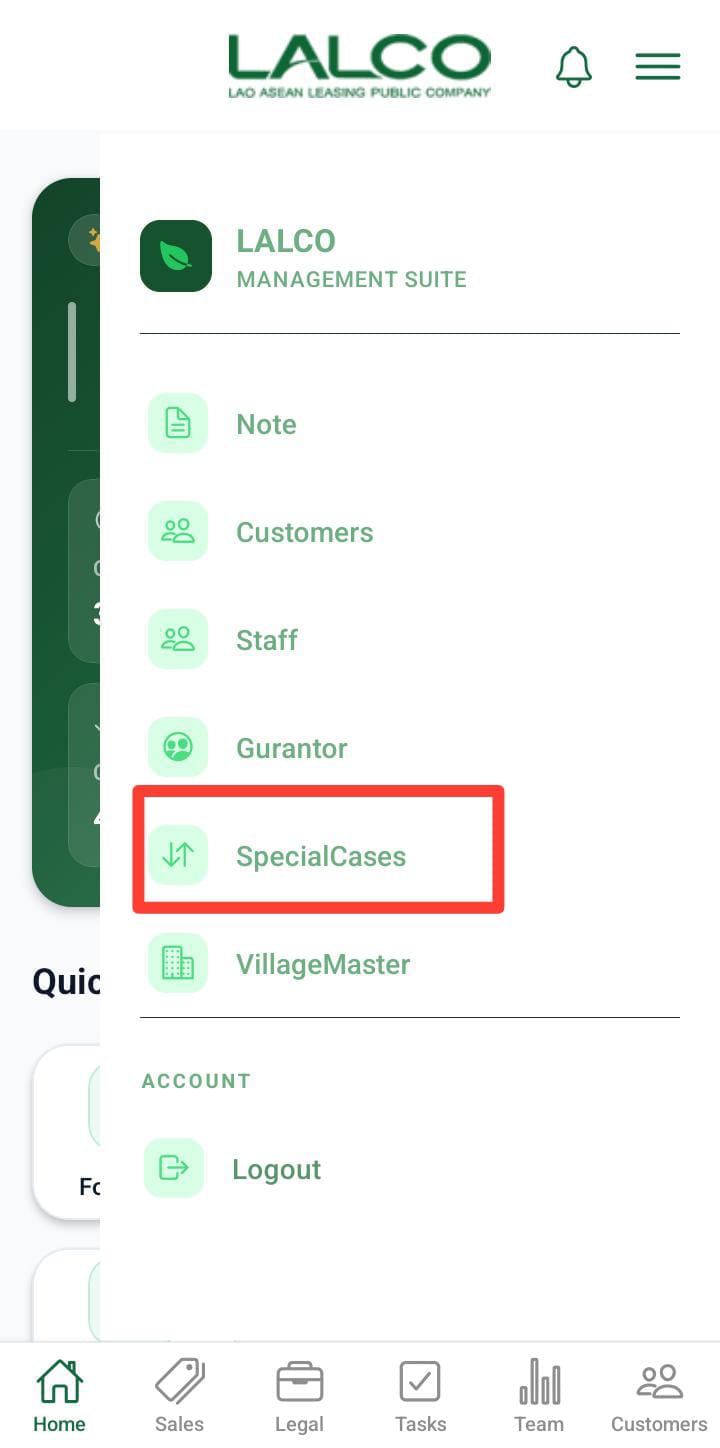
Access Path
side menue -> special cases
Special case details screen
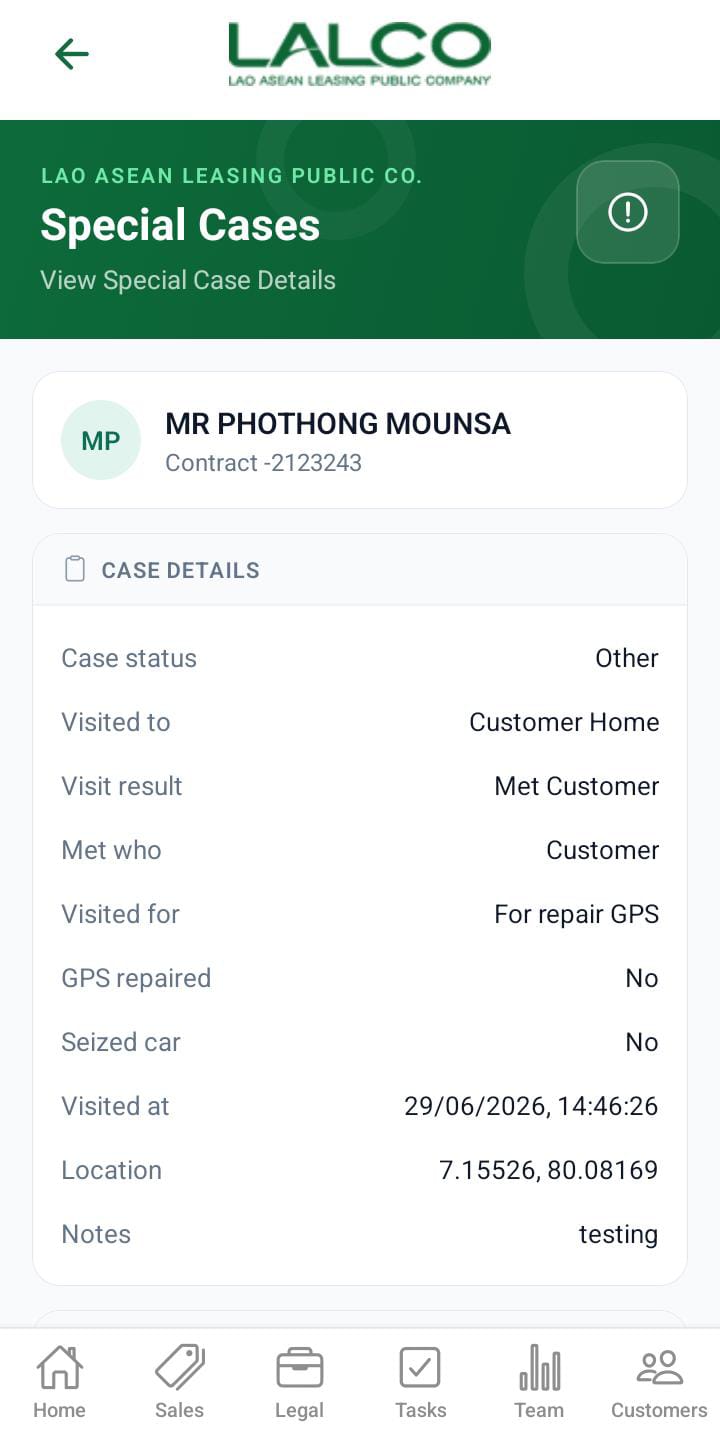
Overview
User can view the full details about the special case.
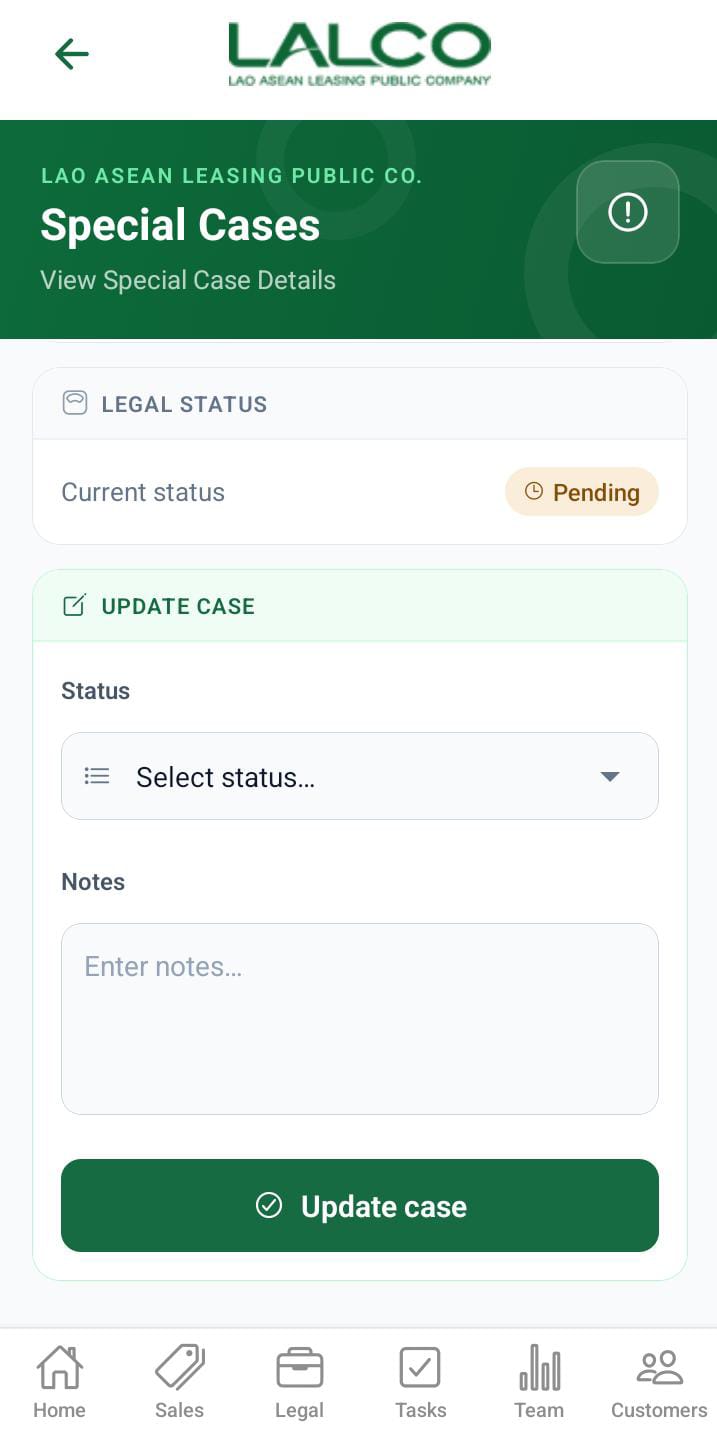
Actions on the special cases.
 |
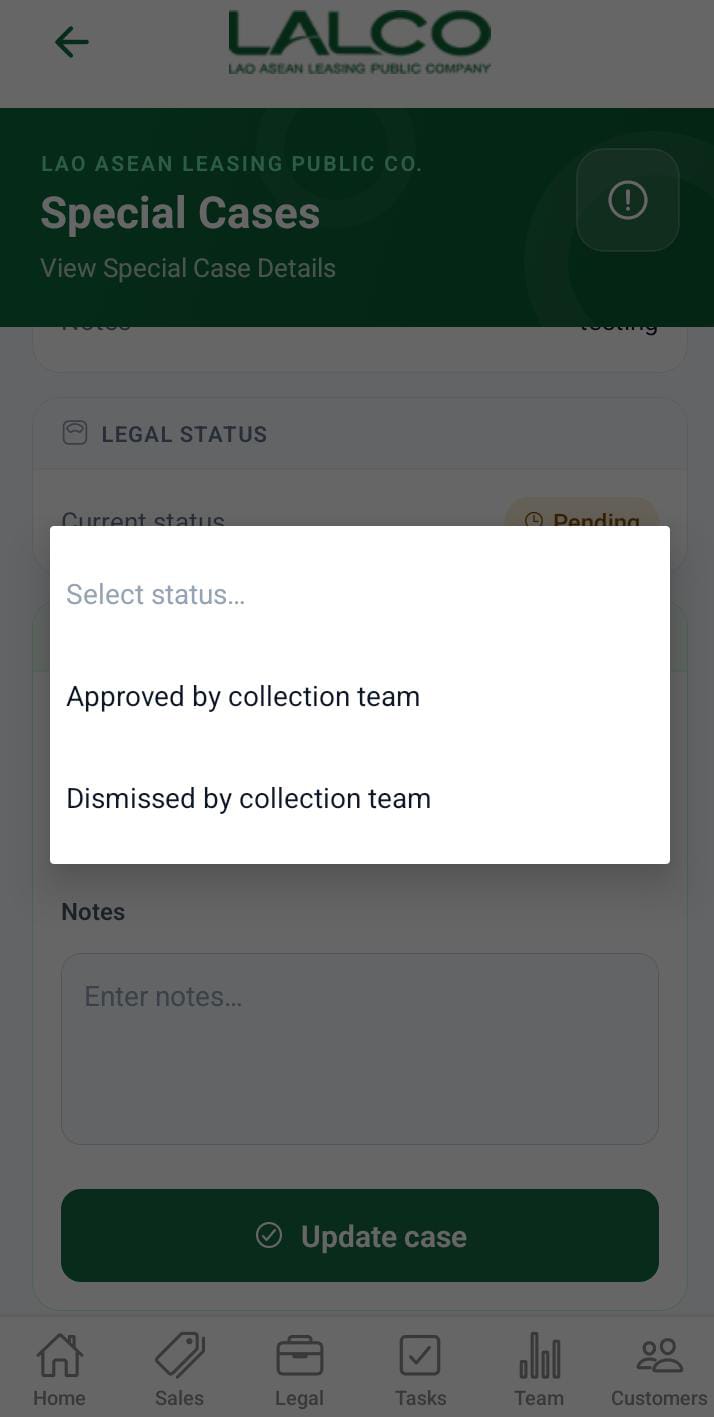 |
If the special cases need to take legal action, the collection team need to mention it to take the legal actions. That is done in this section. For that need to specify Approved by the collection team as the status. After submission, the collection team user cannot change it. After submission, that data will be displayed in the legal screen.