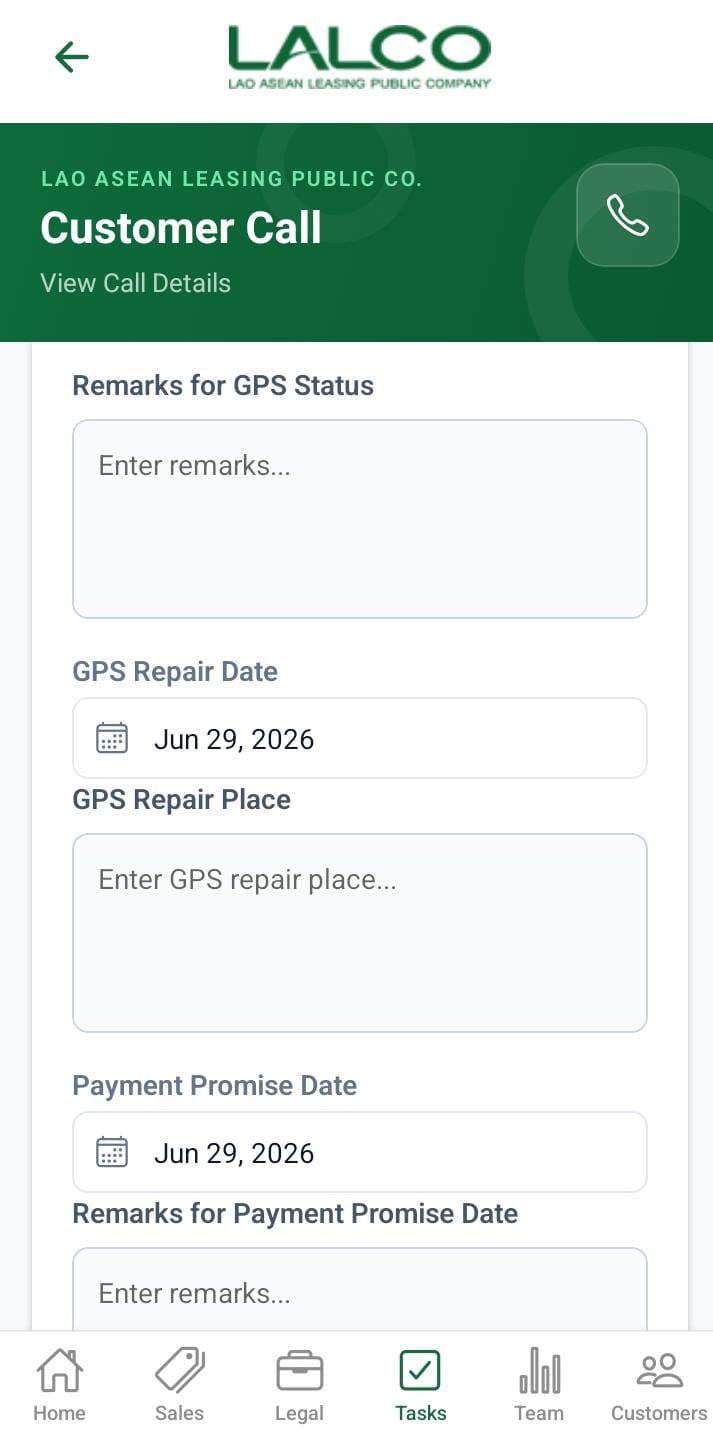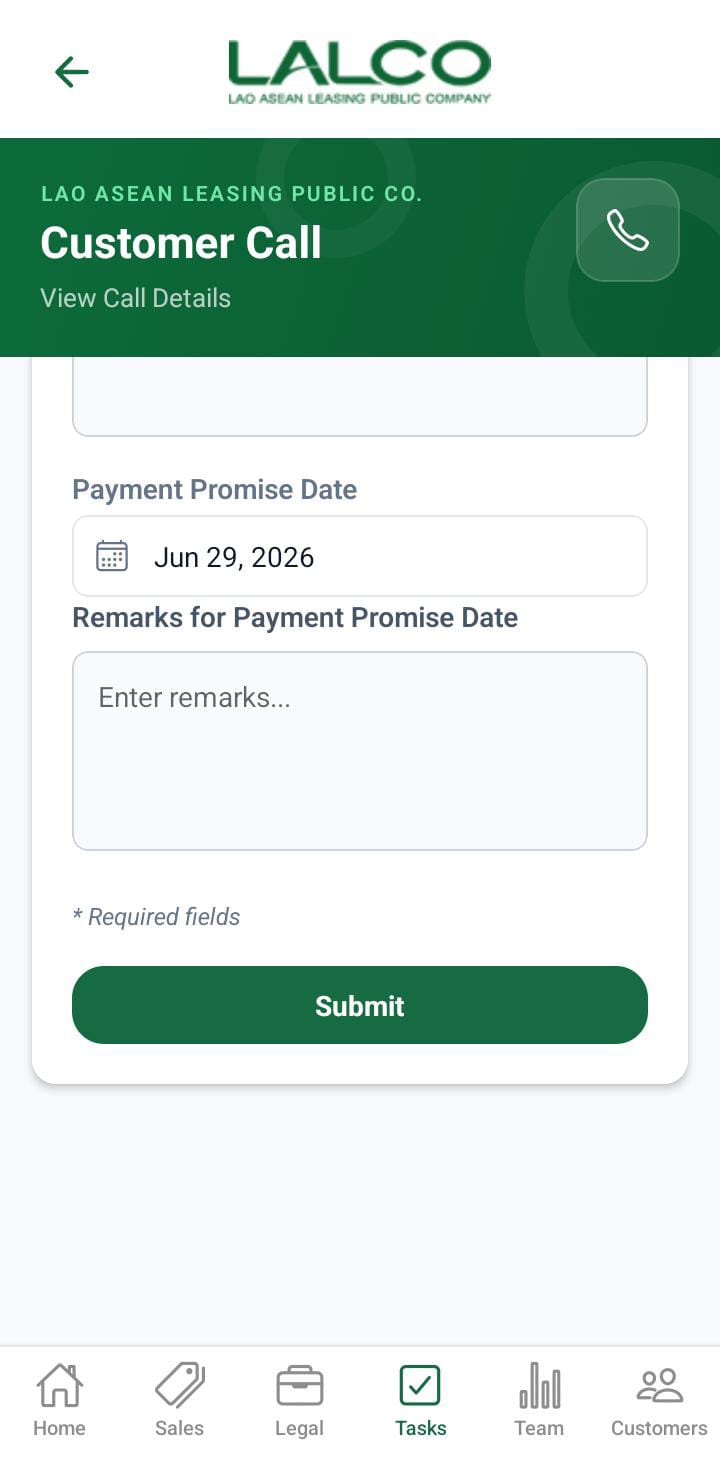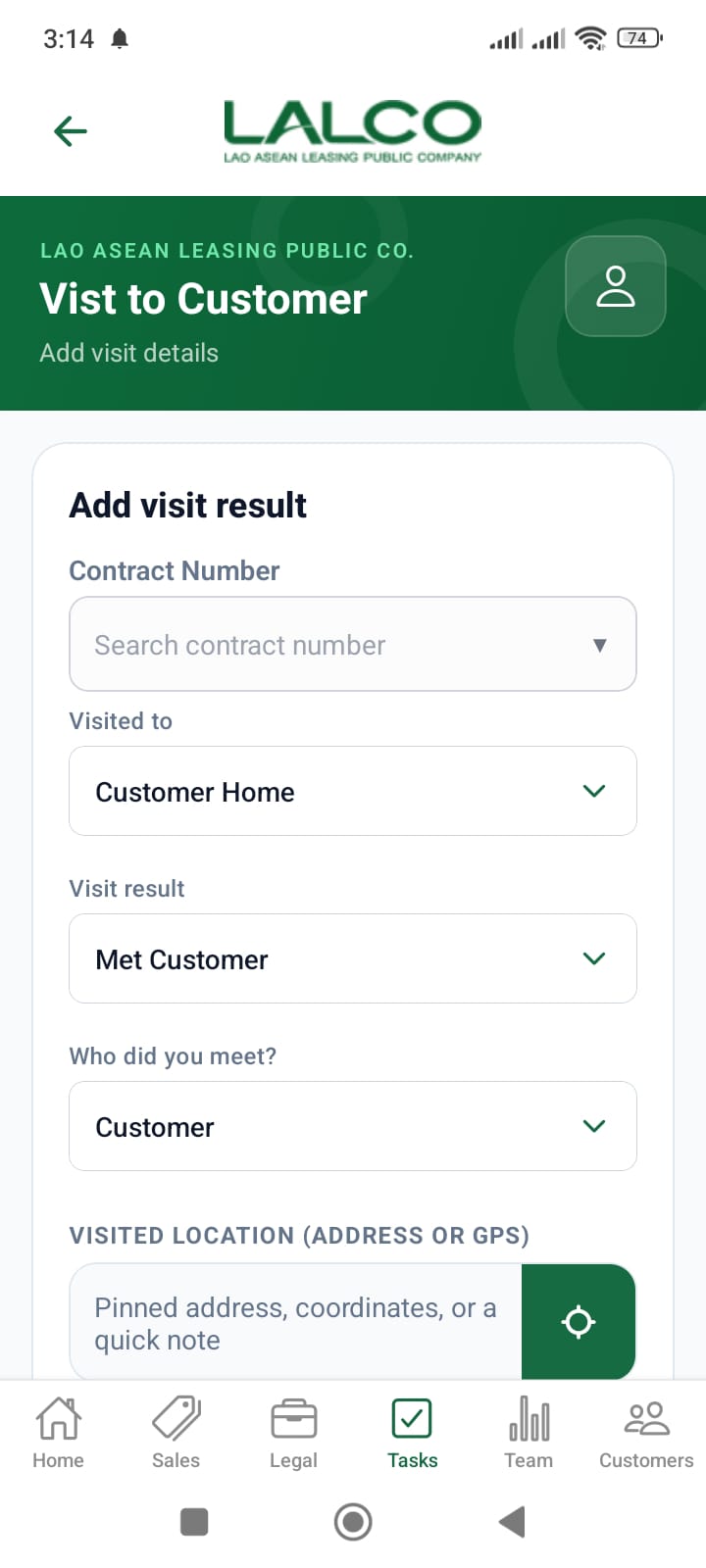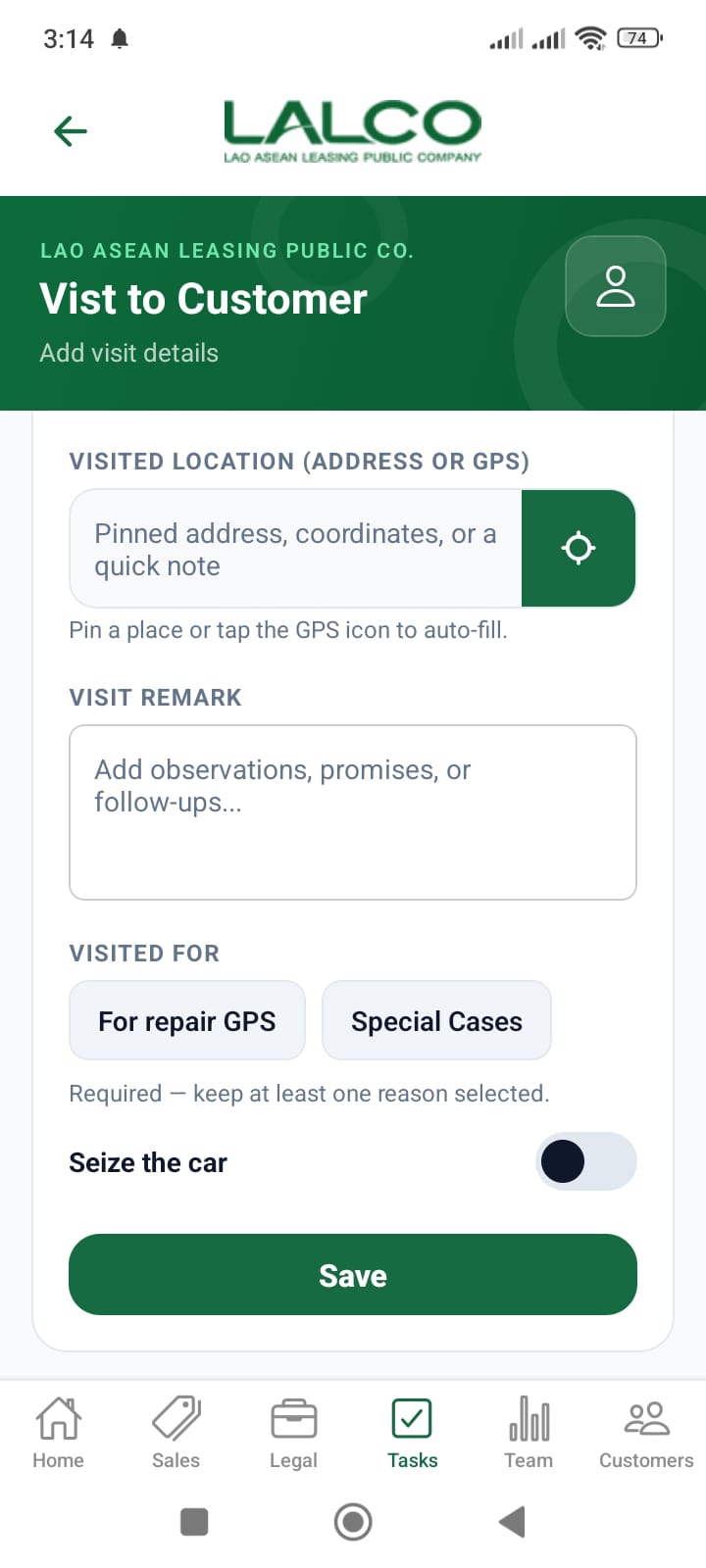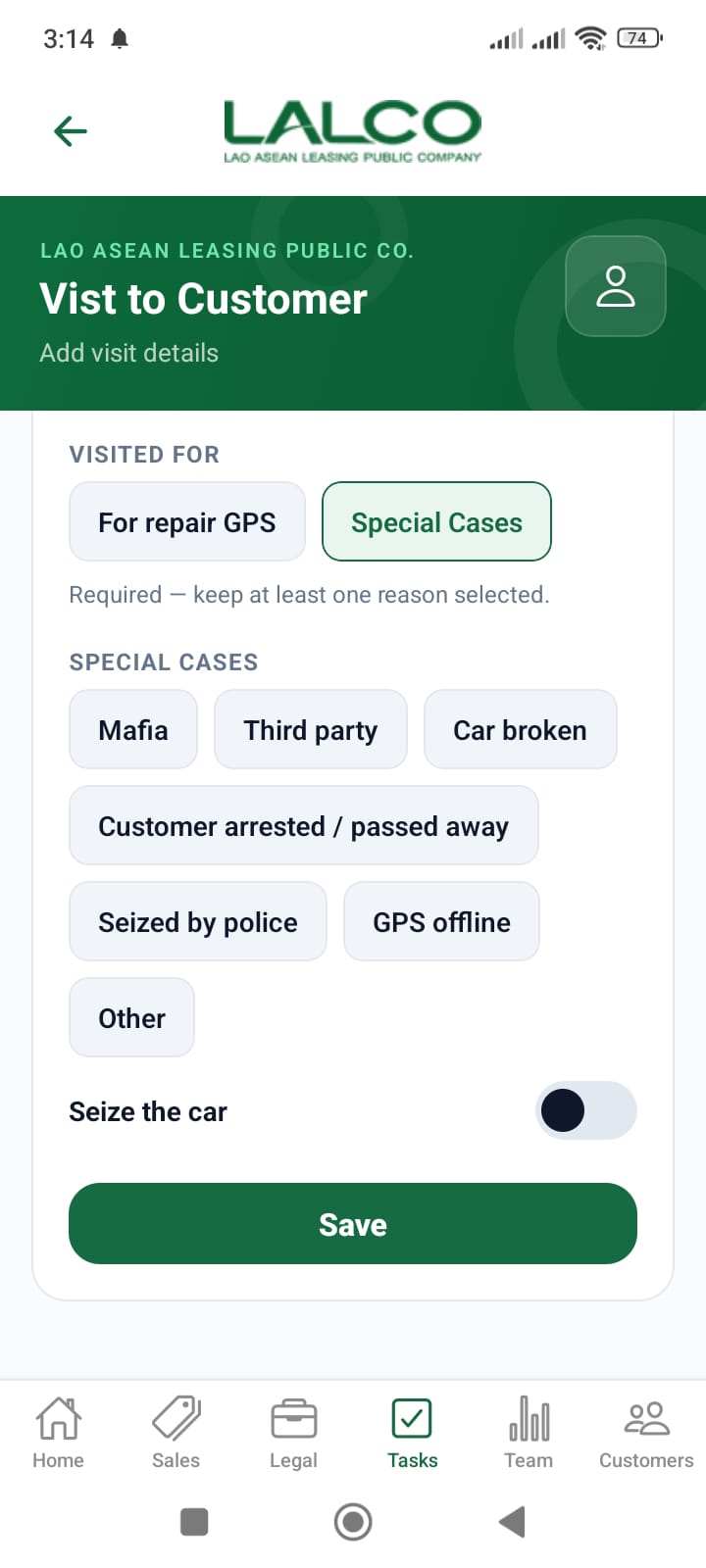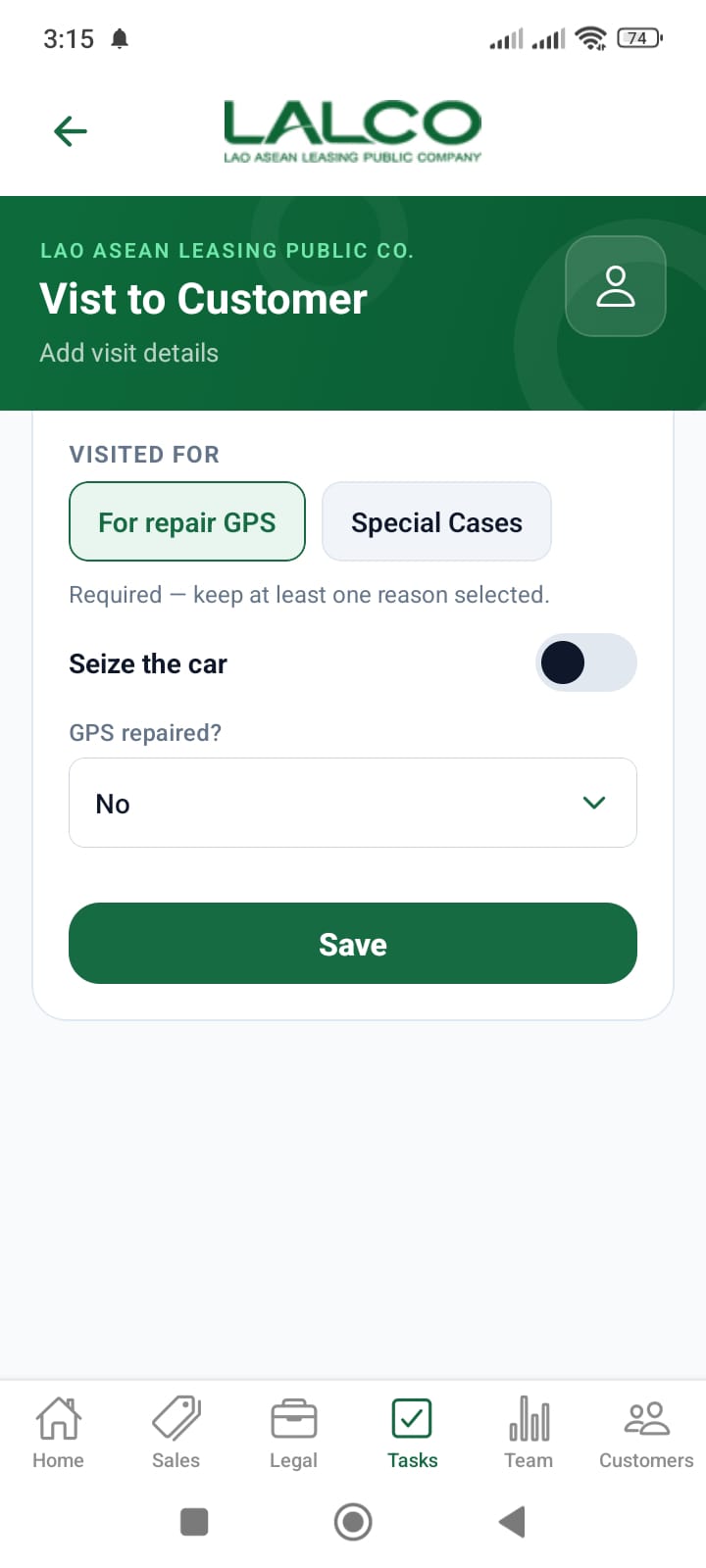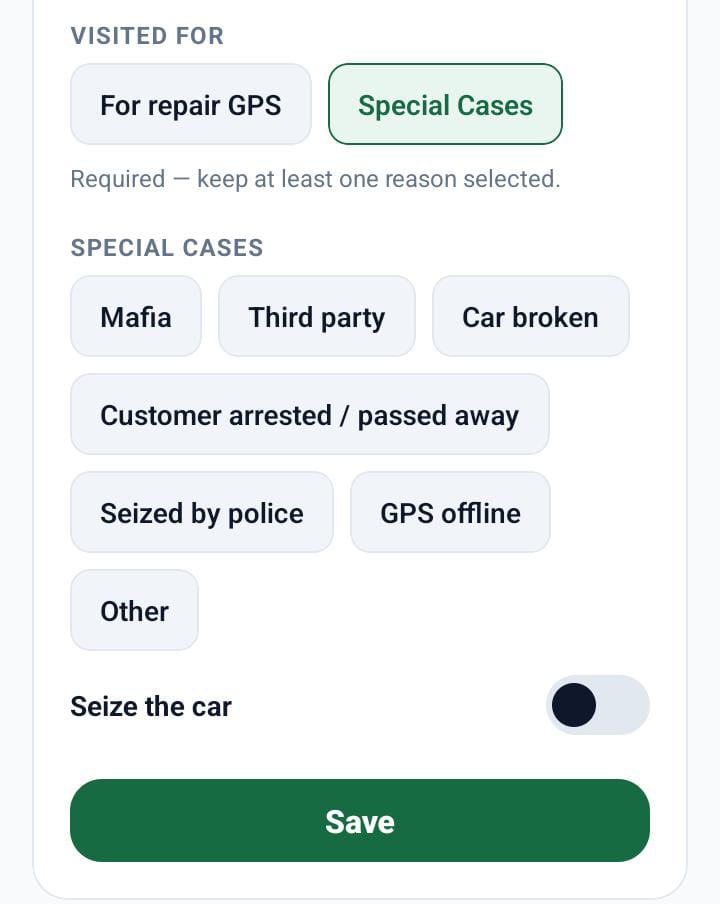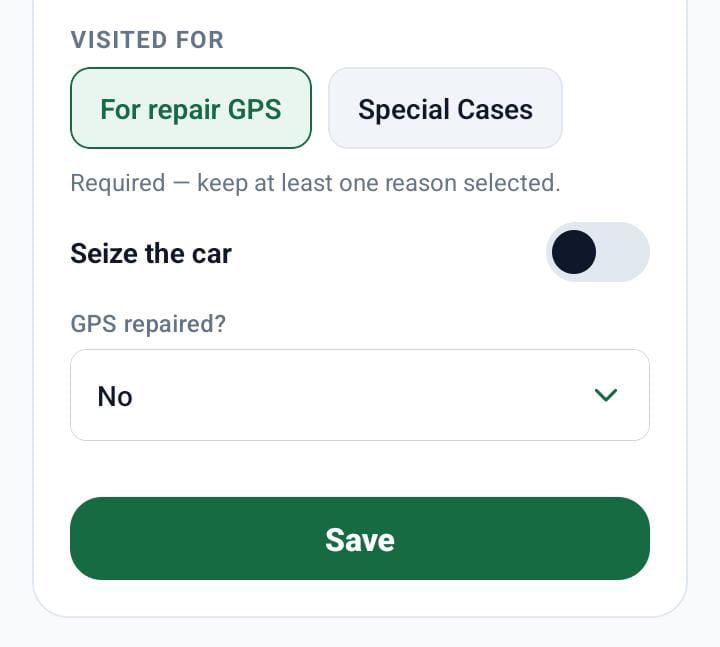
# Task Screen

[![8e397571-a06b-4e0f-8a45-4942ac4b5b76.jpg](http://wiki.lalco.la/uploads/images/gallery/2026-03/scaled-1680-/8e397571-a06b-4e0f-8a45-4942ac4b5b76.jpg)](http://wiki.lalco.la/uploads/images/gallery/2026-03/8e397571-a06b-4e0f-8a45-4942ac4b5b76.jpg)

The **Task Screen** allows staff to view, filter, and manage assigned customer tasks related to payments and follow-ups.

---

# Search Function

### Search Bar

<div class="relative w-full mt-4 mb-1" id="bkmrk-search-by-task"><div class=""><div class="relative"><div class="h-full min-h-0 min-w-0"><div class="h-full min-h-0 min-w-0"><div class="border border-token-border-light border-radius-3xl corner-superellipse/1.1 rounded-3xl"><div class="h-full w-full border-radius-3xl bg-token-bg-elevated-secondary corner-superellipse/1.1 overflow-clip rounded-3xl lxnfua_clipPathFallback"><div class="pe-11 pt-3"><div class="relative z-0 flex max-w-full"><div class="q9tKkq_viewer cm-editor z-10 light:cm-light dark:cm-light flex h-full w-full flex-col items-stretch ͼ5 ͼj" dir="ltr" id="bkmrk-search-by-task-1"><div class="cm-scroller"><div class="cm-content q9tKkq_readonly">Search by task</div></div></div></div></div></div></div></div></div><div class=""><div class="">  
</div></div></div></div></div>Allows users to search tasks by:

- Customer name
- Task-related details

---

# Filters

### Time Filters

- **Delay This Month** → Tasks delayed in current month
- **Delay Last Month** → Tasks delayed in previous month
- **OA Contract** → Tasks related to OA contracts

---

### Payment Filters

- **All** → Show all tasks
- **Paid** → Completed payments
- **Not Paid** → Pending payments

---

# Task List

Each item represents a customer task.

### Example:

<div class="relative w-full mt-4 mb-1" id="bkmrk-emasha-perera-mobile"><div class=""><div class="relative"><div class="h-full min-h-0 min-w-0"><div class="h-full min-h-0 min-w-0"><div class="border border-token-border-light border-radius-3xl corner-superellipse/1.1 rounded-3xl"><div class="h-full w-full border-radius-3xl bg-token-bg-elevated-secondary corner-superellipse/1.1 overflow-clip rounded-3xl lxnfua_clipPathFallback"><div class="pe-11 pt-3"><div class="relative z-0 flex max-w-full"><div class="q9tKkq_viewer cm-editor z-10 light:cm-light dark:cm-light flex h-full w-full flex-col items-stretch ͼ5 ͼj" dir="ltr" id="bkmrk-emasha-perera-mobile-1"><div class="cm-scroller"><div class="cm-content q9tKkq_readonly">Emasha Perera   
Mobile Number: 02023848344</div></div></div></div></div></div></div></div></div><div class=""><div class="">  
</div></div></div></div></div>---

### Information Displayed

Each record shows:

- **Customer Name**
- **Mobile Number**

---

# Pagination

- **Prev** → Go to previous page
- **Next** → Go to next page
- Displays current page (e.g., Page 1 of 3)

---

# How to Use

### View Tasks

1. Open the **Task screen**
2. Use filters to narrow results
3. Search if needed
4. Select a task to view details

---

---

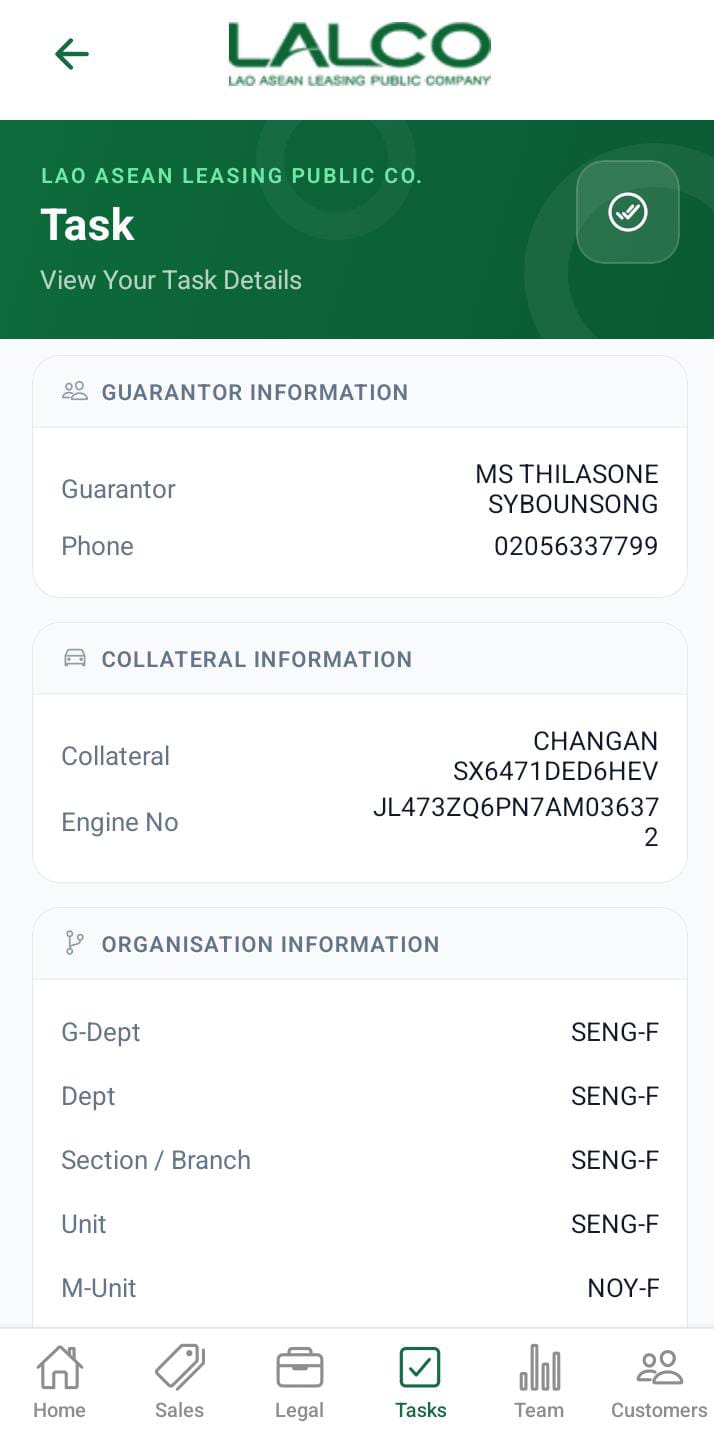
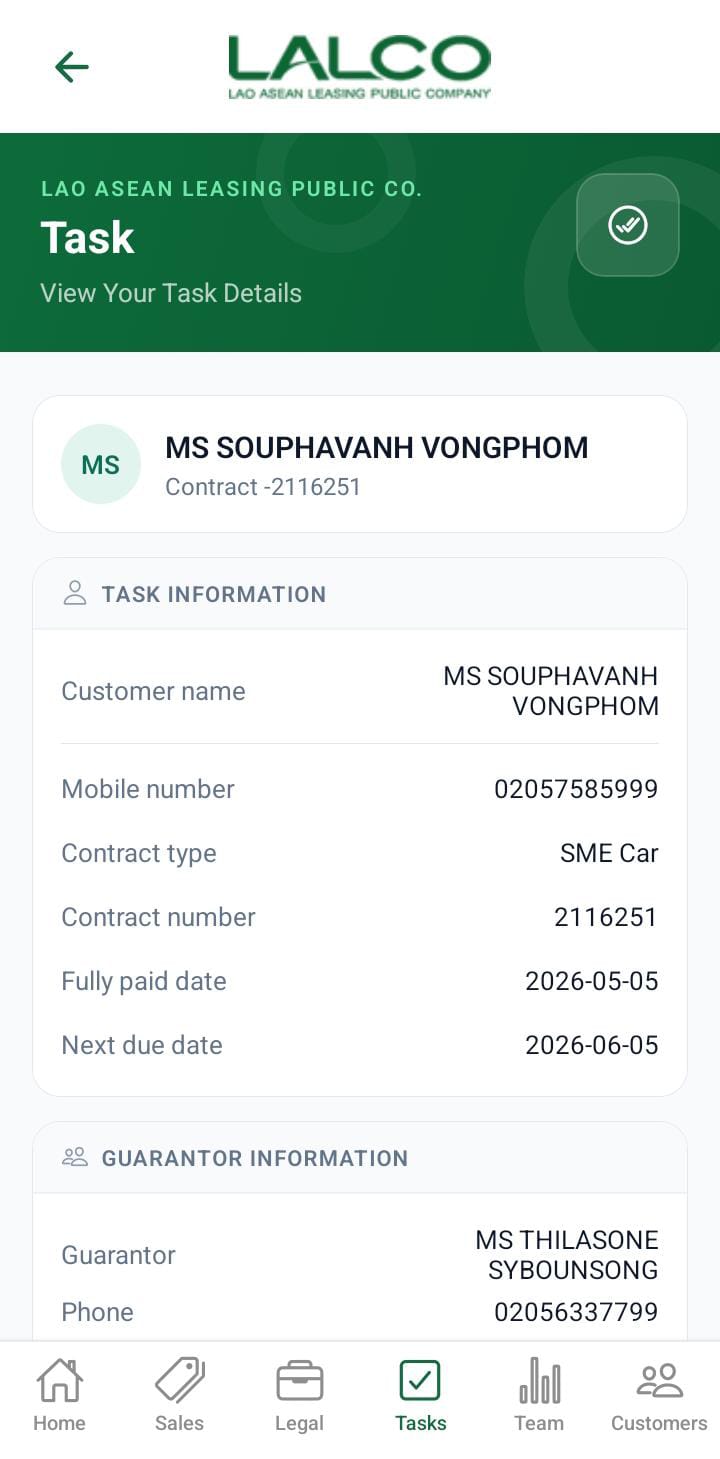
# Task Details Screen

[![6b013d28-7f2a-43a8-8f33-72c04fc9589d.jpg](http://wiki.lalco.la/uploads/images/gallery/2026-03/scaled-1680-/6b013d28-7f2a-43a8-8f33-72c04fc9589d.jpg)](http://wiki.lalco.la/uploads/images/gallery/2026-03/6b013d28-7f2a-43a8-8f33-72c04fc9589d.jpg)

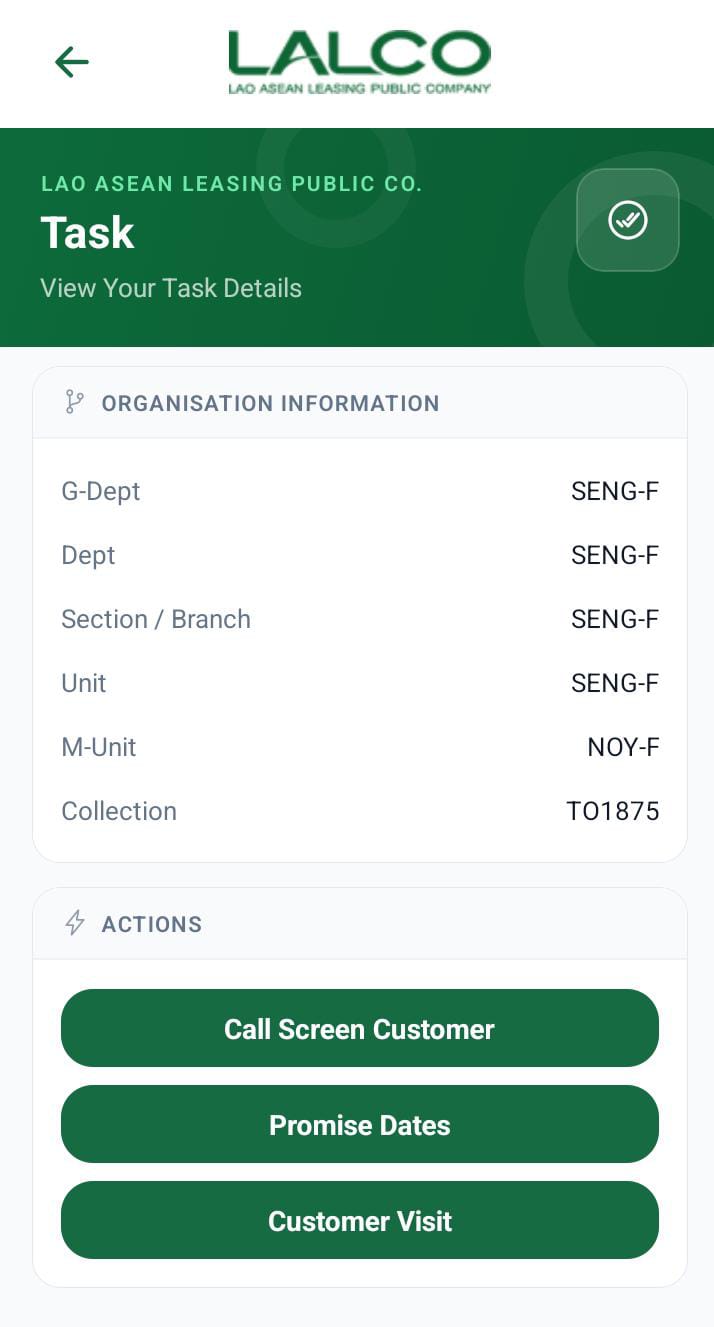
The **Task Details Screen** provides complete information about a selected task and allows staff to take follow-up actions.

---

# Task Information

Displays:

- **Customer Name**
- **Mobile Number**
- **Contract Type**
- **Contract Number**
- **Fully Paid Installment Date**
- **Next Due Date**

---

# Actions

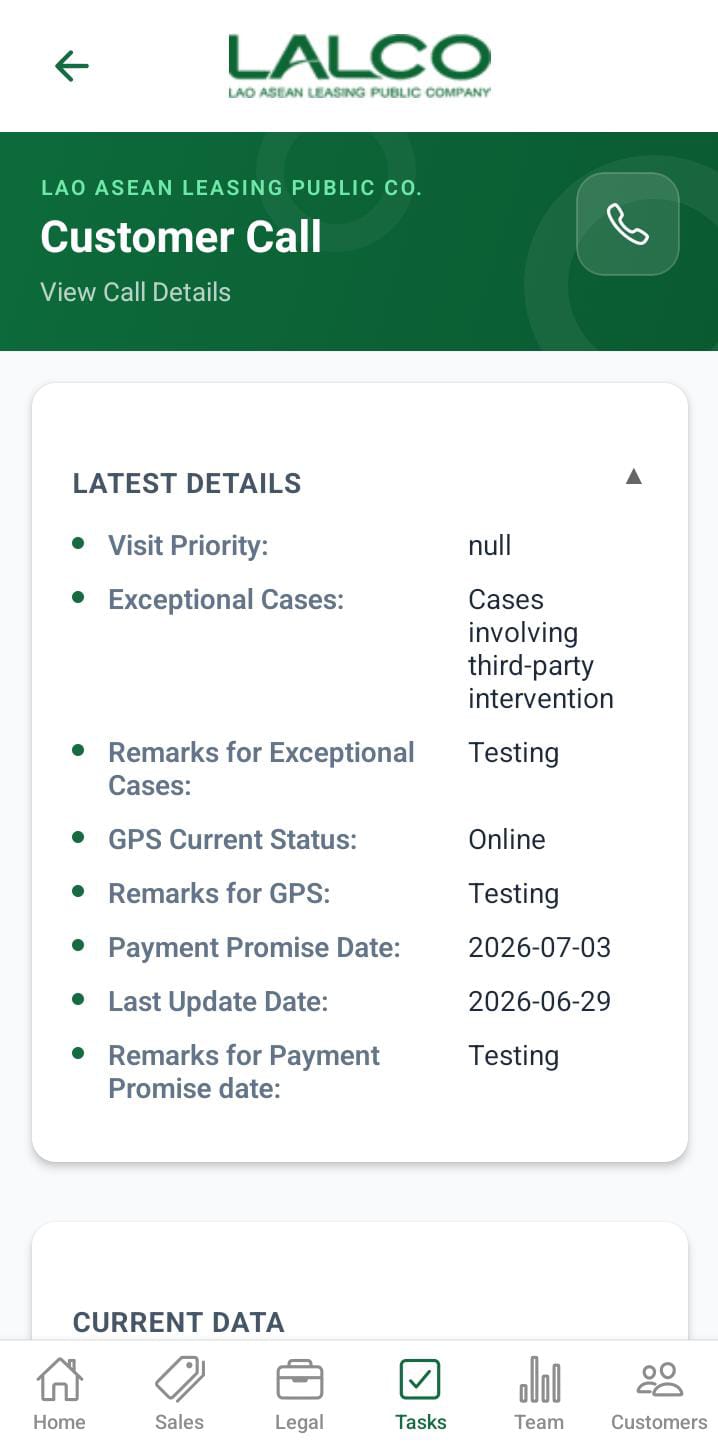
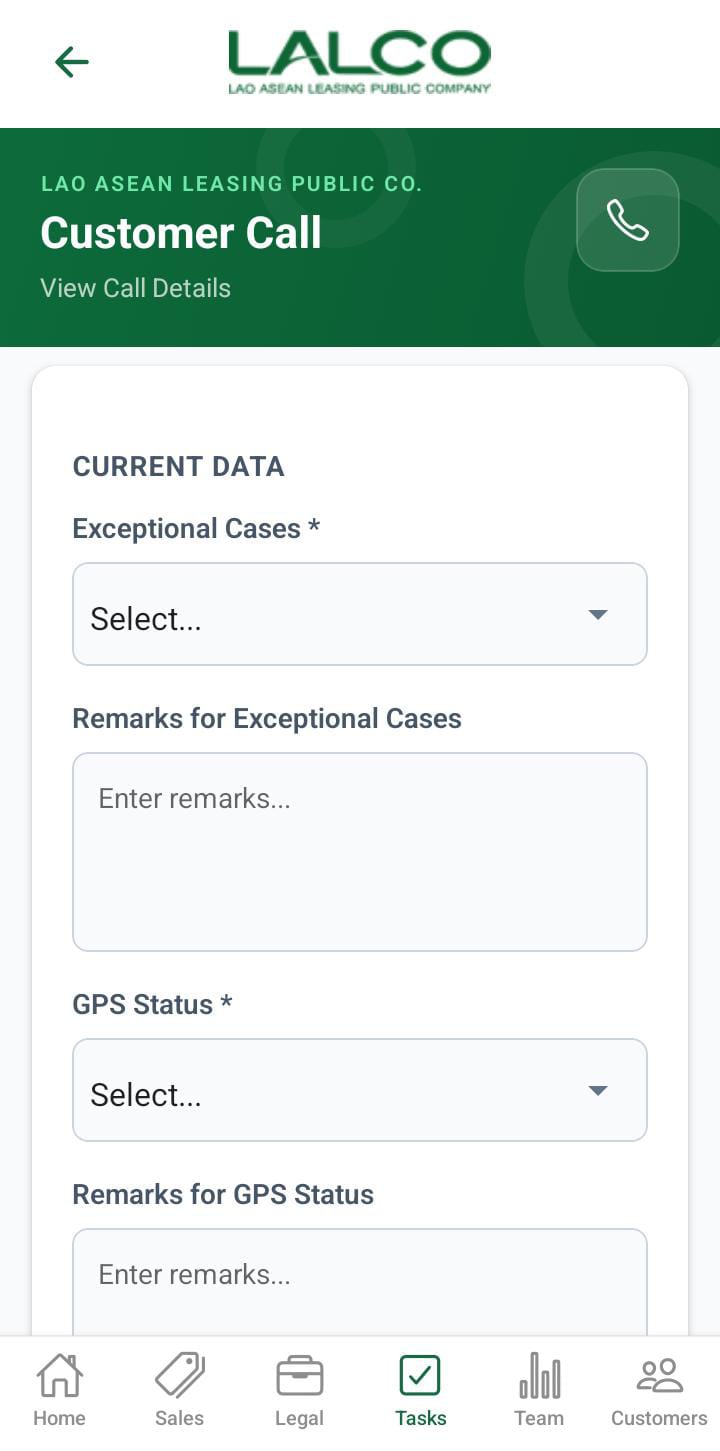
### Call Screen Customer

Initiates customer follow-up or call process

---

### Promise Dates

Set or update customer promised payment dates

---

### Reassign Task

Assign task to another staff member

---

# How to Use

### Manage Task

1. Select a task from the list
2. Review task information
3. Choose an action: 
    - Call customer
    - Set promise date
    - Reassign task

---

# Navigation

<div class="relative w-full mt-4 mb-1" id="bkmrk-task-list-%E2%86%92-select-t"><div class=""><div class="relative"><div class="h-full min-h-0 min-w-0"><div class="h-full min-h-0 min-w-0"><div class="border border-token-border-light border-radius-3xl corner-superellipse/1.1 rounded-3xl"><div class="h-full w-full border-radius-3xl bg-token-bg-elevated-secondary corner-superellipse/1.1 overflow-clip rounded-3xl lxnfua_clipPathFallback"><div class="pe-11 pt-3"><div class="relative z-0 flex max-w-full"><div class="q9tKkq_viewer cm-editor z-10 light:cm-light dark:cm-light flex h-full w-full flex-col items-stretch ͼ5 ͼj" dir="ltr" id="bkmrk-task-list-%E2%86%92-select-t-1"><div class="cm-scroller"><div class="cm-content q9tKkq_readonly">Task List → Select Task → View Details → Take Action</div></div></div></div></div></div></div></div></div><div class=""><div class="">  
</div></div></div></div></div>