
Guarantor Screen
Reassigned TasksGuarantor Screen
 |
 |
TheThis Reassigned Tasks Screenscreen allows usersthe user to view tasksthe thatguarantor have been reassigned between sales staff. It shows both previous and current sales personsdetails for each contract.contract
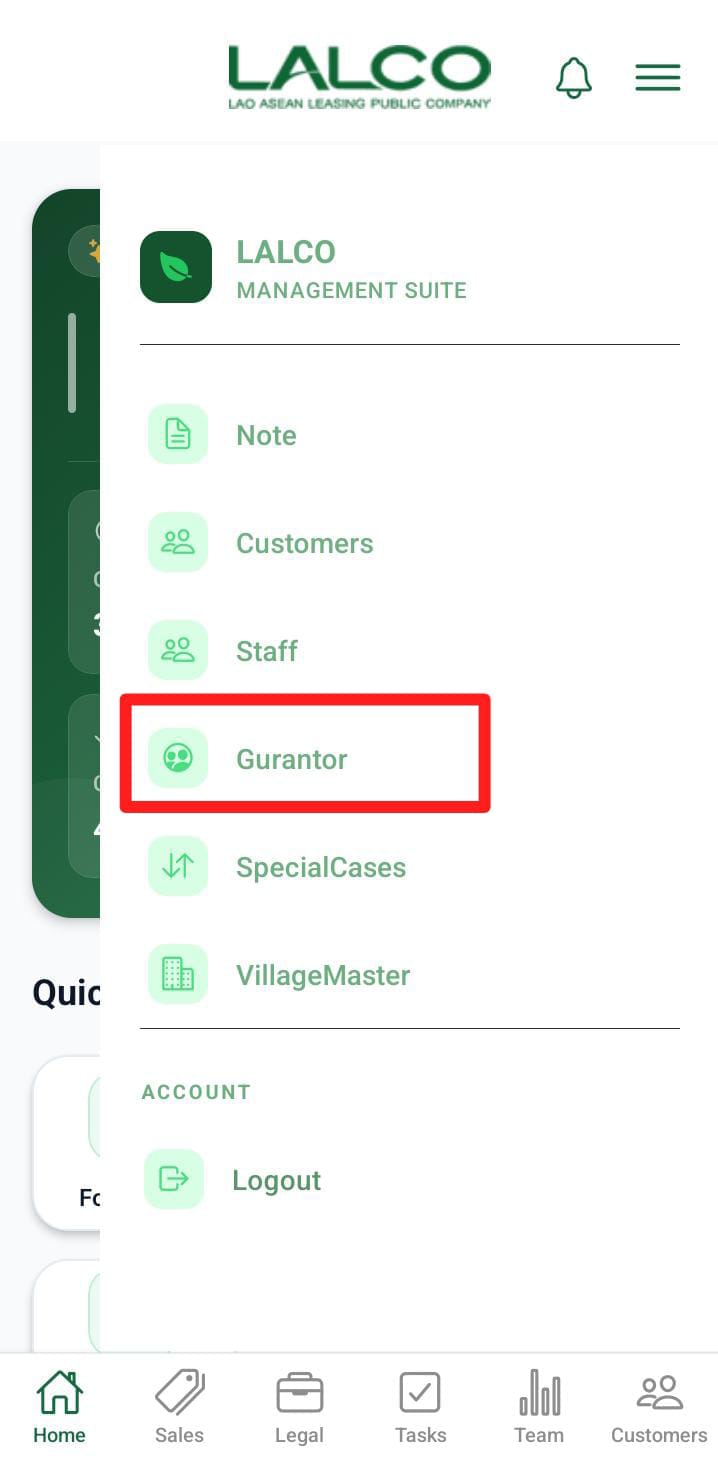
Access Path
TaskGuarantor List
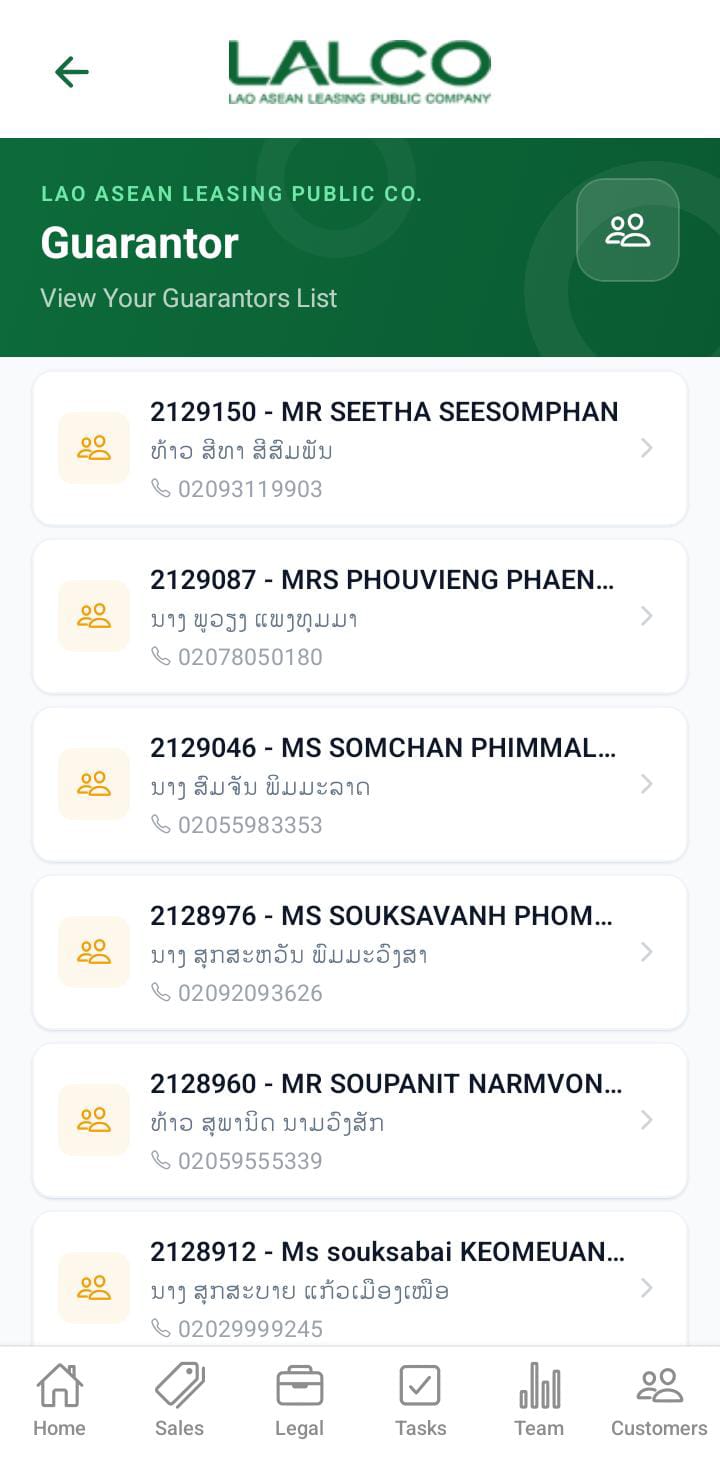
Each item represents a reassigned task.guarantor.
Example:Filter Options
Users
In
- Sales Team
- Collection Team
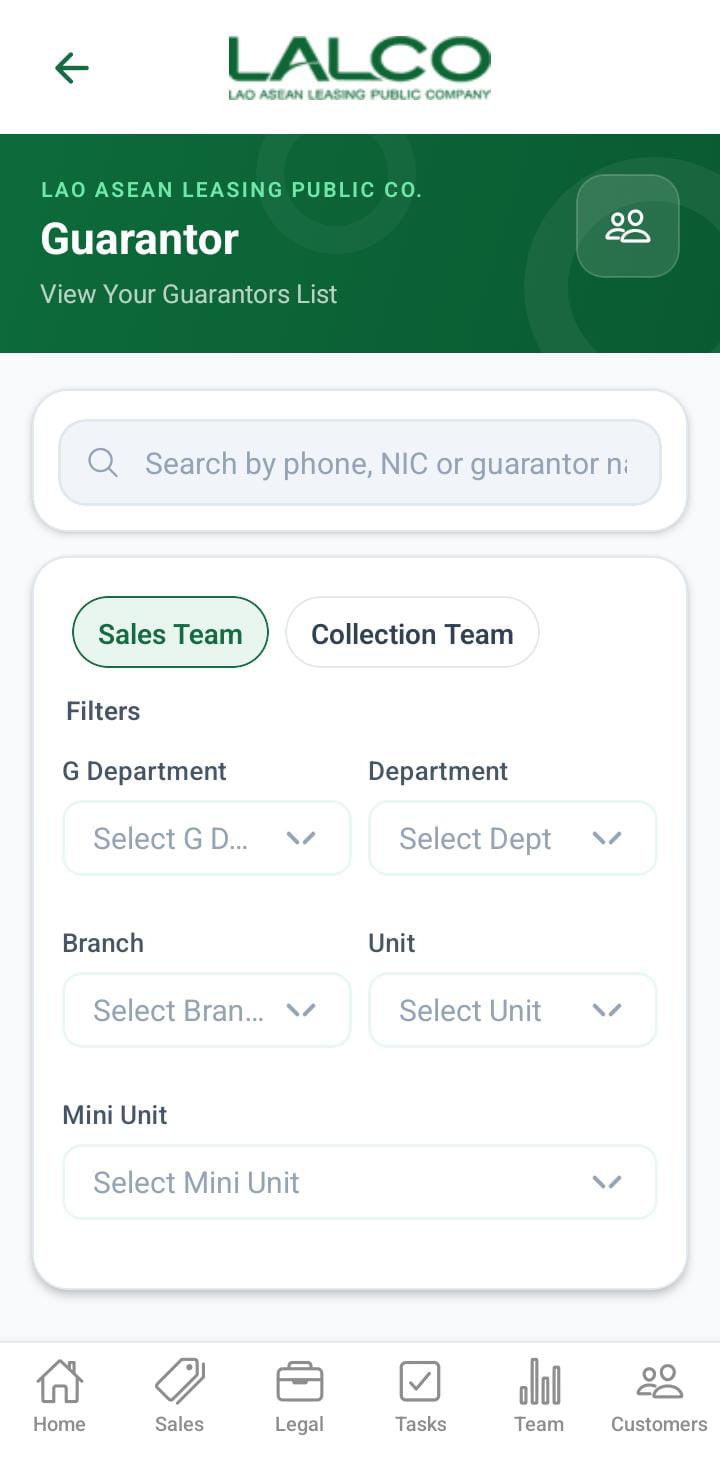
When the filter is Sales Team below filters can apply,
- G department
- Department
- Branch
- Unit
- Mini Unit
When the filter is Collection Team below filters can apply,
- G department
- Department
- Collection Unit
- collection tl
- collection
The above filters will display like this.
When the user role is admin
- The admin has both sales and collections and can apply all the filters mentioned above.
Previous
When Pererathe Currentuser Sales:role Nimalis Silva
When the user role is dept
- The dept has both sales and collections and can apply all the filters mentioned above except G department and department
When the user role is branch.
- Display only the sales team.
- Display the unit and Munit filters
When the user role is unit.
- Display only the sales team.
- Display the Munit.
When the user role is MUnit.
- Only the search bar filter can be applied.
When the user role is collection unit.
- Display only the collection team.
- Display the collection tl and collection filters
When the user role is Collection tl.
- Display only the collection team.
- Display the collection.
When the user role is Collection.
- Only the search bar filter can be applied.
Information Displayed
Each record shows:
- Contract Number
PreviousCustomerSalesnamePersonCurrentPhoneSalesnumebrPerson
How to Use
View ReassignedGuarantor TasksDetails
- Open the
ReassignedsideTasks sectionmenu BrowseSelectthe list of tasksTap a task to view more detailsguarantor
Reassign TaskGuarantor Details Screen
 |
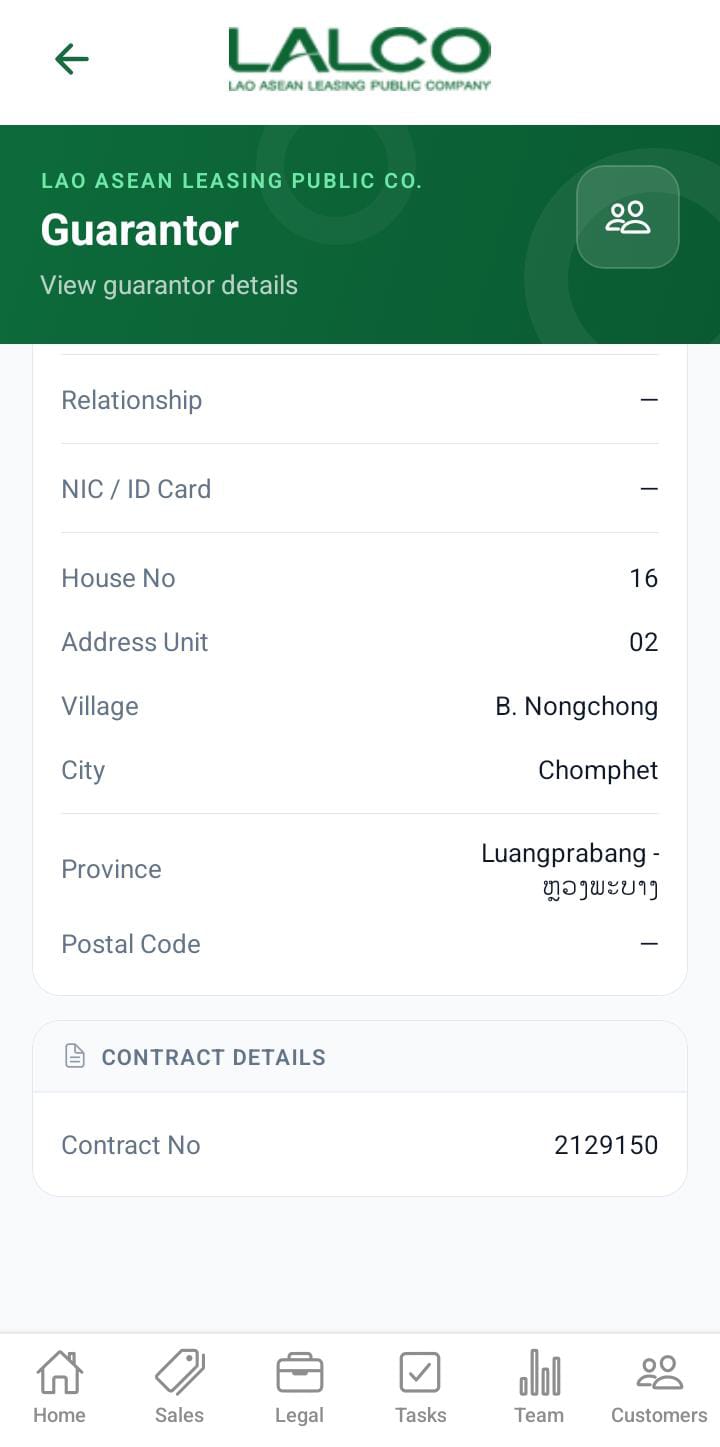 |
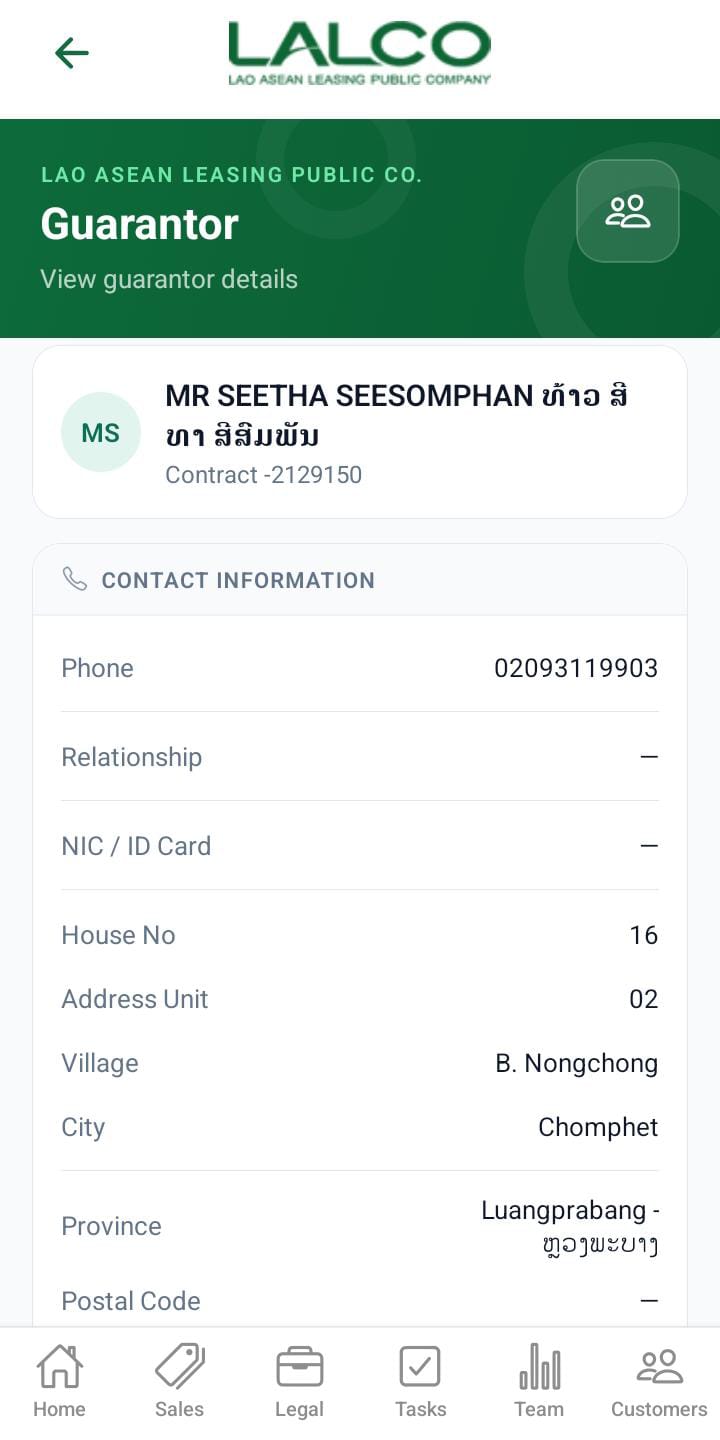
TheThis Reassignscreen Task Details Screen shows detailed information about a specific reassigned task, includingdisplays the reasonguarantor fordetails reassignment.
the
Task Details Section
Displays key information:contract,
TaskGuarantorIDname→ Unique task identifierContractphoneNumber→ Related contractnumberPrevious Sales PersonNic/IDCurrentHouseSales PersonnumberReasonaddress→unit- village
- city
- province
- Contract number
Example:
How to Use
View TaskGuarantor Details
- Select a
taskguarantor from the list - Review all
reassignmentguarantor details