
Login Process
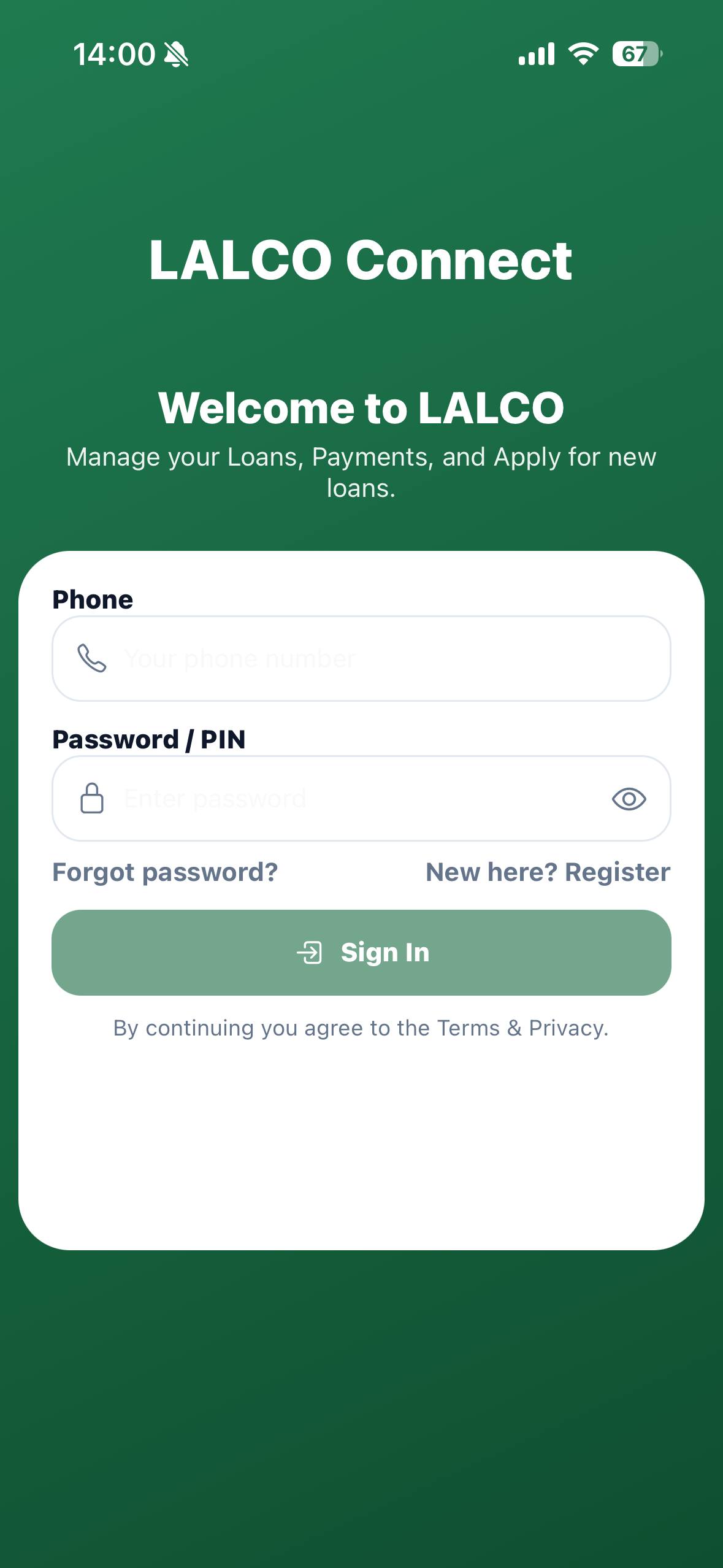
Steps for login :
- Enter phone number
- Enter password / PIN
- (Optional) Forgot pssword?
- Tap Login/ Access account
Wrong Credentials :
If the phone number or password/PIN is incorrect,
an error message will appear,
e.g.: “Incorrect phone number or password. Please try again.”
Actions for the user:
 Check phone number – Ensure it’s correct and includes the country code if required.
 Check password/PIN – Re-enter carefully (watch for caps lock or extra spaces).
Use “Forgot password?” :
- Tap it to reset your password if you can’t remember it.
- Try again – After correcting details, tap Login again
Tip for guide users:
Always make sure your internet connection is active. If repeated failures occur, contact support/helpdesk.
No Comments