
GPS Offline Screen
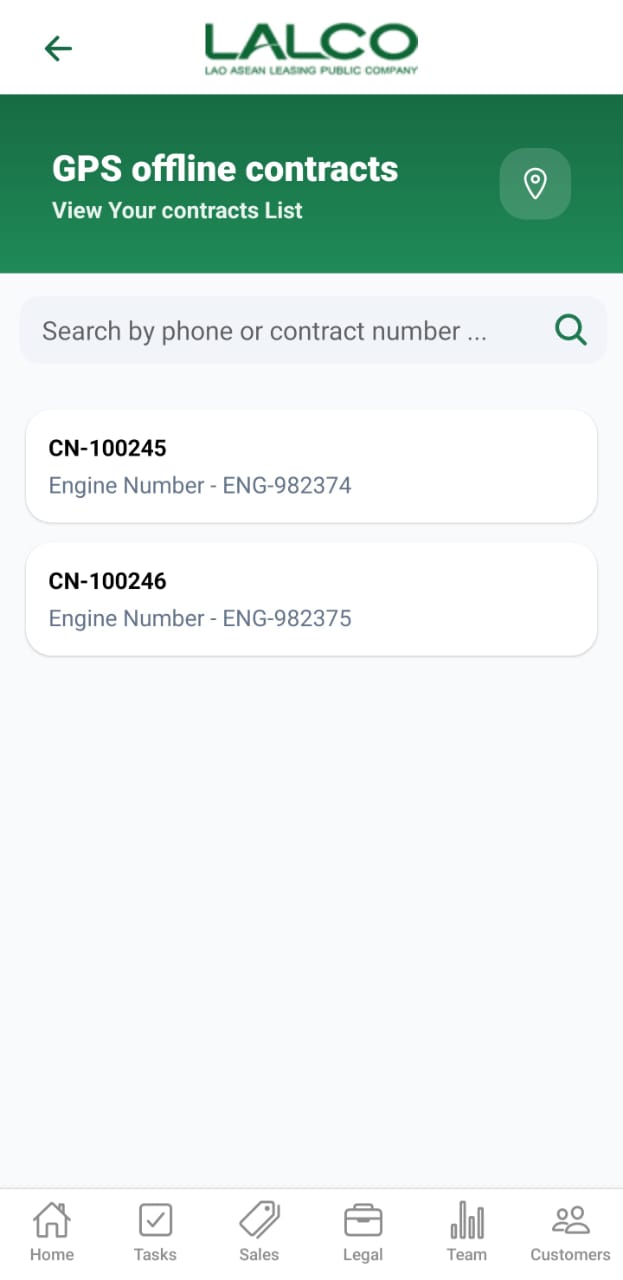
The GPS Offline Screen allows staff to view and manage contracts where GPS tracking is unavailable. It helps agents identify and review affected vehicles and customer details.
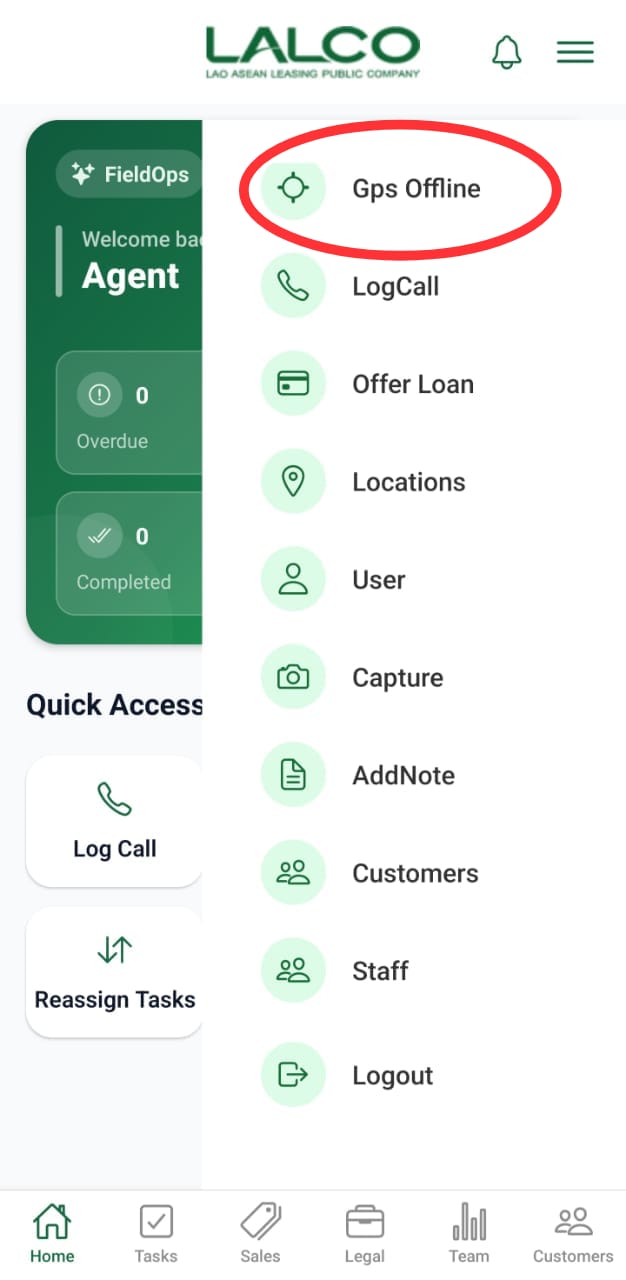
Access Path
Location Icon 📍
May be used to:
Search Function
Search Bar
Allows users to search using:
-
Phone number
-
Contract number
Contract List
Each item represents a GPS offline contract.
Example
Engine Number – ENG-982374
Information Displayed
-
Contract Number
-
Engine Number
How to Use
View Contracts
-
Open GPS Offline from menu
-
Browse the list
-
Use search if needed
Open Contract Details
-
Tap on a contract
-
View full information
GPS Offline Details Screen
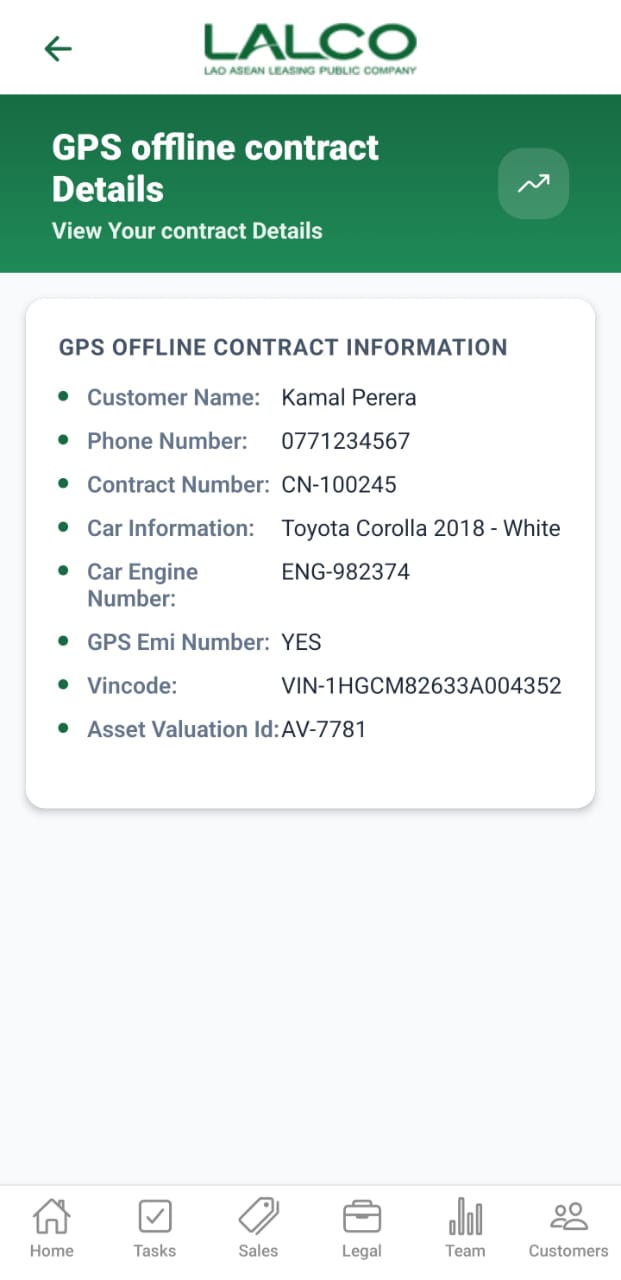
Displays detailed information about a selected GPS offline contract.
Header Section
Page Title
GPS offline contract Details
Description
Contract Information
Displays complete details of the selected contract:
-
Customer Name → Name of the customer
-
Phone Number → Contact number
-
Contract Number → Unique ID
-
Car Information → Vehicle model and details
-
Car Engine Number → Engine ID
-
GPS EMI Number → GPS installment/availability status
-
Vin Code → Vehicle identification number
-
Asset Valuation ID → Internal tracking ID
Example
Contract Number: CN-100245
Car: Toyota Corolla 2018
How to Use
View Details
-
Select a contract from the list
-
Review all customer and vehicle details
💡 Tip:
Use this screen to quickly identify vehicles with GPS issues and take necessary follow-up actions.
No Comments