
Capture Screen
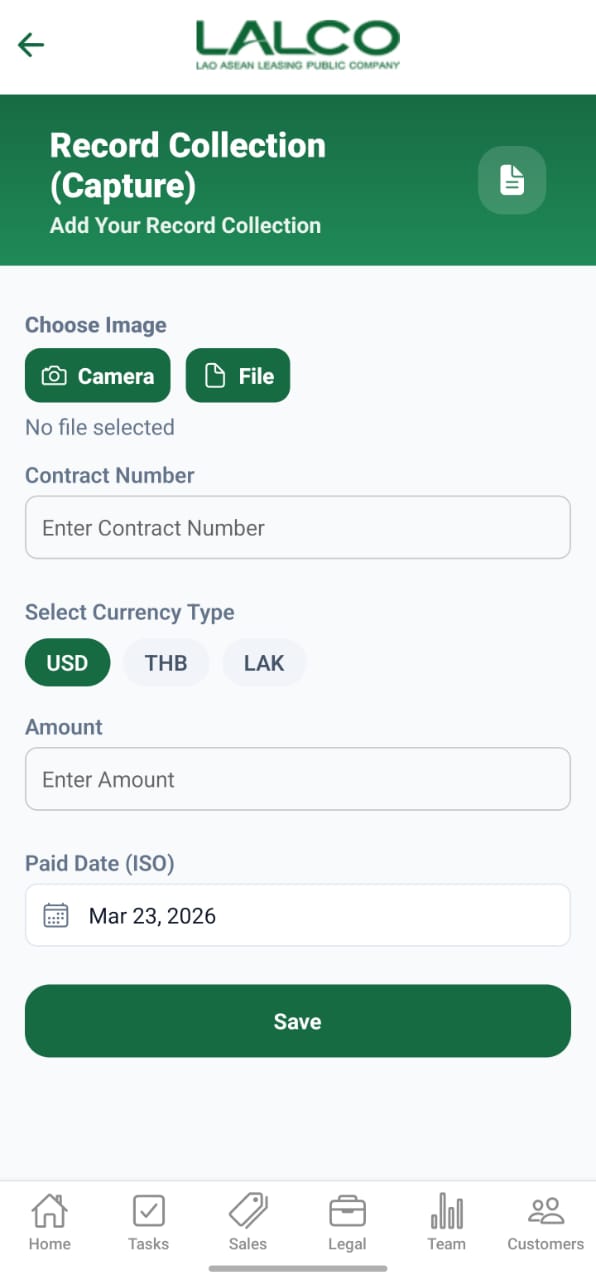
The Record Collection (Capture) Screen allows staff to record payment collections by capturing proof (image/file) and entering transaction details such as contract number, amount, and payment date.
Image Upload Section
Choose Image
Users can attach proof of collection using:
- Camera → Capture image directly
- File → Upload from device
File Status
No file selected
Displays whether a file has been attached.
Form Fields
Contract Number
Enter the contract number related to the payment
Select Currency Type
Choose one:
- USD
- THB
- LAK
Amount
Enter the collected amount
Paid Date (ISO)
Select the payment date
Example:
Mar 23, 2026
Action
Save
Saves the collection record to the system
How to Use
Record Collection
- Upload image using Camera or File
- Enter Contract Number
- Select Currency Type
- Enter Amount
- Select Paid Date
- Tap Save
Notes
- Always attach proof of payment
- Ensure contract number is correct
- Verify amount before saving
No Comments